Forum Discussion

Favorites bar zoom bug
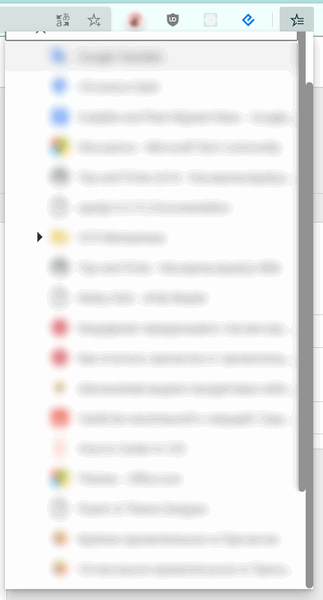
 DeletedOct 29, 2020
msekmfb1 Excellent! I just confirmed with the team that the fix is in, so we're glad to hear that you have it already. The team is continuing to look into that second bug you mentioned, so I will let you know if/when there are updates there too.
Fawkes (they/them)
Program Manager & Community Manager - Microsoft Edge
msekmfb1 Thank you for reporting this! I wasn't able to repro it on my machine; can you please confirm what channel and version number(s) you encountered this on? And if it's persisting, can you please send a screenshot and diagnostics through the in-browser feedback tool? (Shift+Alt+I)
Fawkes (they/them)
Program Manager & Community Manager - Microsoft Edge

Deleted Thanks for the reply, I'm on Canary 88.0.673.0, Windows 10
How to reproduce this bug:
1) Set zoom > 100% there: edge://settings/appearance
2) Open favorites bar and expand a category, you'll see a second scrollbar. I think that is because the favorites bar is built on web-technologies and has a hard-coded height value.
Related issue, that still not fixed: https://techcommunity.microsoft.com/t5/discussions/collections-and-zoom/m-p/1087185/thread-id/20397
I'll provide a video a few minutes later.