Forum Discussion

Chromium Edge Blurry
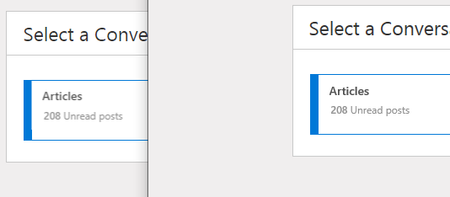

Our blur problem has supposedly been fixed in Chromium. I've tried >10 solutions posted on various forums and blogs, none of them have worked.
These include changes to command line boot arguments, text scaling, Win10 app scaling, countless edge:flag settings, display/graphics driver settings, and so on.
The cause seems to be some type of forced text scaling that we can't influence.
TO ANYONE HAVING THIS PROBLEM:
Disabling FXAA within Nvidia's control panel fixed the issue for me.
- RixsterJun 02, 2019Brass Contributor
vv_o_e_s Have a beer! (or whatever you may like)
This fixed it for me!
Now I have Hardware acceleration enabled and no blurry fonts (and the browsing is faster with less COU load).
vv_o_e_s wrote:TO ANYONE HAVING THIS PROBLEM:
Disabling FXAA within Nvidia's control panel fixed the issue for me.
👊🏼 Paul_SheperiaFeb 05, 2020Copper Contributor
Worked for me too. Anyone who needs to know where to look:
1) In System Tray, right click NVIDIA Settings app, select NVIDIA Control Panel
2) Under 3D Settings, Go to Manage 3D settings
3) Select the Program Settings tab and click the Add button then select Microsoft Edge.
4) Look for the feature - Antialiasing - FXAA and select Off from the drop down.
5) Click Apply. You might need to restart Edge Chromium.
 CPL593HAug 24, 2020Copper ContributorEdge has always been blurry for me. I just upgraded to a new computer. Edge was blurry for me when I had a GTX 1060, and it's blurry for me now that I have a Radeon 5700 XT. It's my understanding that Radeon doesn't have an FXAA setting such as in NVIDIA Control Panel. There is anti-aliasing, but the type isn't specified. If anyone's figured out how to fix Edge on Radeon, please let me know.

