Forum Discussion

Bug when opening pdfs
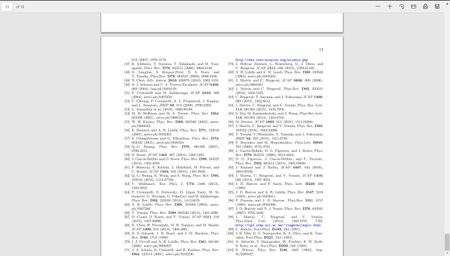

Hi,
I tried your PDF link on 2 machines on both Dev and Canary, I couldn't produce your error in either of them. both instances loaded the PDF file completely till the end, page 23rd.
This is on 1st machine, Edge insider Canary
This is on 2nd machine, Edge insider Dev
This is on 3rd machine and this time it's Edge insider Beta
Try disabling any flags you are using:
edge://flags/
And clear Caches images and files and other browser data from here:
edge://settings/clearBrowserData
you can try settings the browser options to defaults as well:
edge://settings/reset

- HotCakeXOct 14, 2019MVP
Well that's showing progress at least
in your first screenshot only 13 pages were recognized but in this second one it's showing 24 pages
have you tried loading that PDF file
https://arxiv.org/pdf/1910.04761.pdf
inside InPrivate mode window?
- v01dOct 14, 2019Tin Contributor
A brief update: I tried to uninstall and reinstall the latest dev version but the issue persisted. I then installed the beta version and everything works fine. I'm on the latest Windows 10, surface pro 6 should it matter.
- HotCakeXOct 14, 2019MVP
Hi, no it shouldn't matter which device you're using as long as it's running a supported OS.
That's good news it's working on Beta,
when you uninstalled Dev, did you also remove all the user data? I believe that option would appear as a checkbox during the uninstall procedure.