Forum Discussion

AmateurD
Sep 02, 2020Tin Contributor
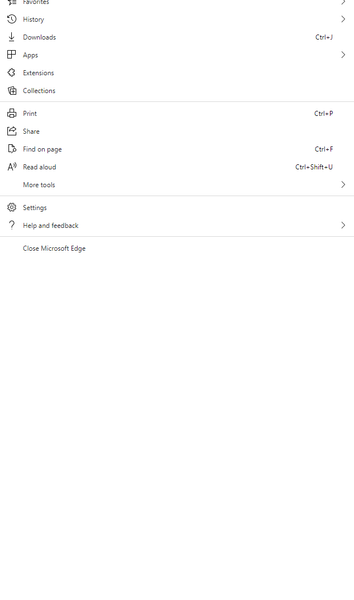
Bug in Edge browser on multiple monitors and menu button
I have a multi-monitor setup. If I click the menu button (...) the menu is incorrectly stretched, filled with white space and displayed on the wrong monitor. Some of the menu items then can't be clic...

coolaym
Jul 19, 2022Copper Contributor
Here is what fixed this for me:
1. Go to your Display Settings.
2. Make sure your monitor 1 (in my case the laptop internal monitor) is the main display. To do this select the monitor 1 and scroll down to the Multiple Displays section and check the box which says "Make this my main display"