Forum Discussion

Bug in Edge browser on multiple monitors and menu button

Hi there, you are welcome to the Microsoft Edge Insider Community Hub!
Which channel of Microsoft Edge are you using where you are seeing this bug?
Thanks for reporting the issue here. I would recommend you to send feedback about this bug through the in-app feedback tool in Microsoft Edge (Alt+Shift+I) with the diagnostics attached in order to help the Microsoft Edge dev team to resolve your issue as soon as possible.
 MjD2021Sep 15, 2021Copper ContributorYes. I have a 3-monitor setup on a work computer and this is a coding problem, apparently.
A menu (favorites, for example) should opn on the browser window on the screen on which has the actively used window, not a monitor or 2 over. It's not correct; Google Chrome has the same problem. We cannot open different browser types to combat this and the system is admin controlled (VPN / internal), limited to one browser type. Thanks. JustWendyJan 25, 2022Copper Contributor
I have a new Microsoft Surface Pro which recommends a 200% view with two Acer monitors at 100%. The problem corrects if I change the third (built-in) monitor to 100%. Unfortunately, the content is too small to use as a 3rd monitor when I do that. I have to change the resolution on the Surface to 1280x960 to make it usable. Not the best workaround, but a workaround.
This bug started in December of 21 for the first time.
 Ryan99FLMar 10, 2021Copper Contributor
TheShaunSaw this bug persists in version 89.0.774.50 (Official build) beta (64-bit).
 AmateurDSep 03, 2020Tin Contributor
TheShaunSaw Version 86.0.622.3 (Official build) dev (64-bit)
Thank you.
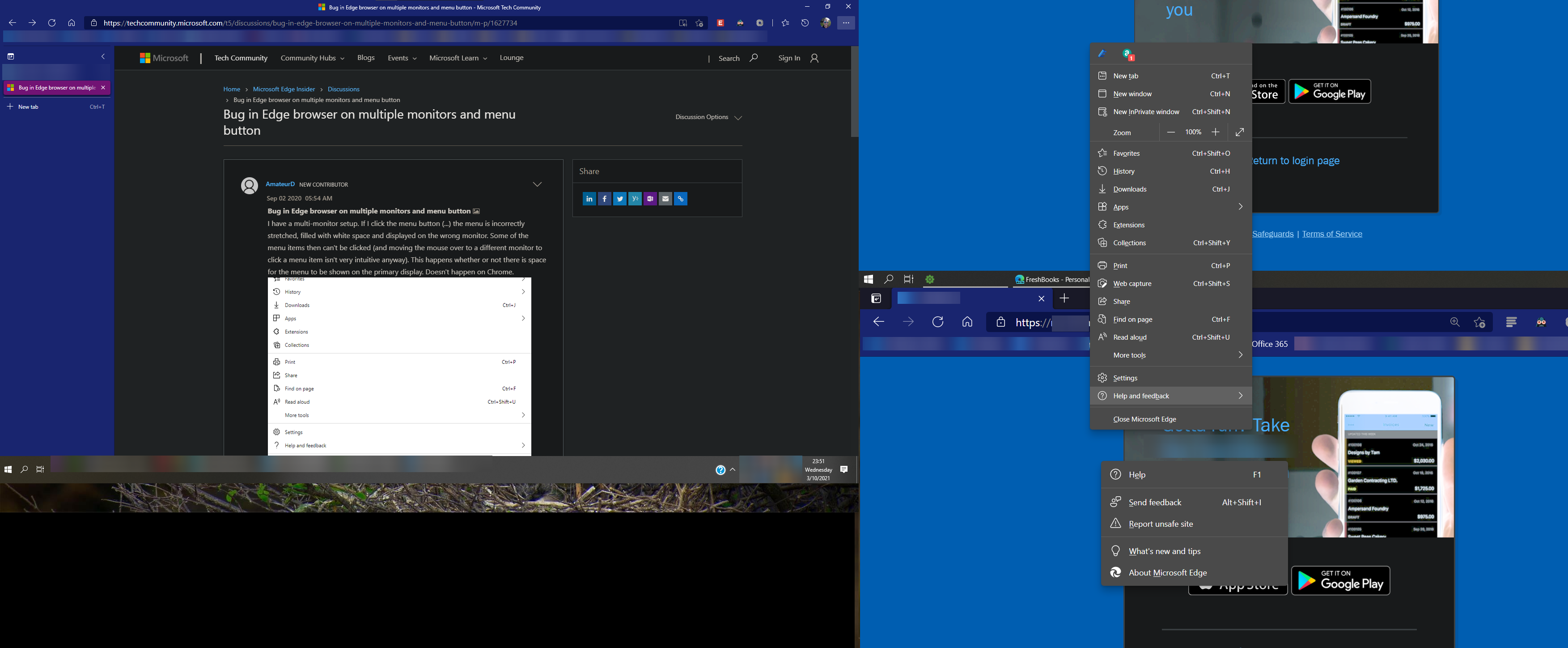
I have submitted it through feedback as well. Unfortunately, the screenshot sent through the tool is unhelpful since the problem is shown on a different monitor!
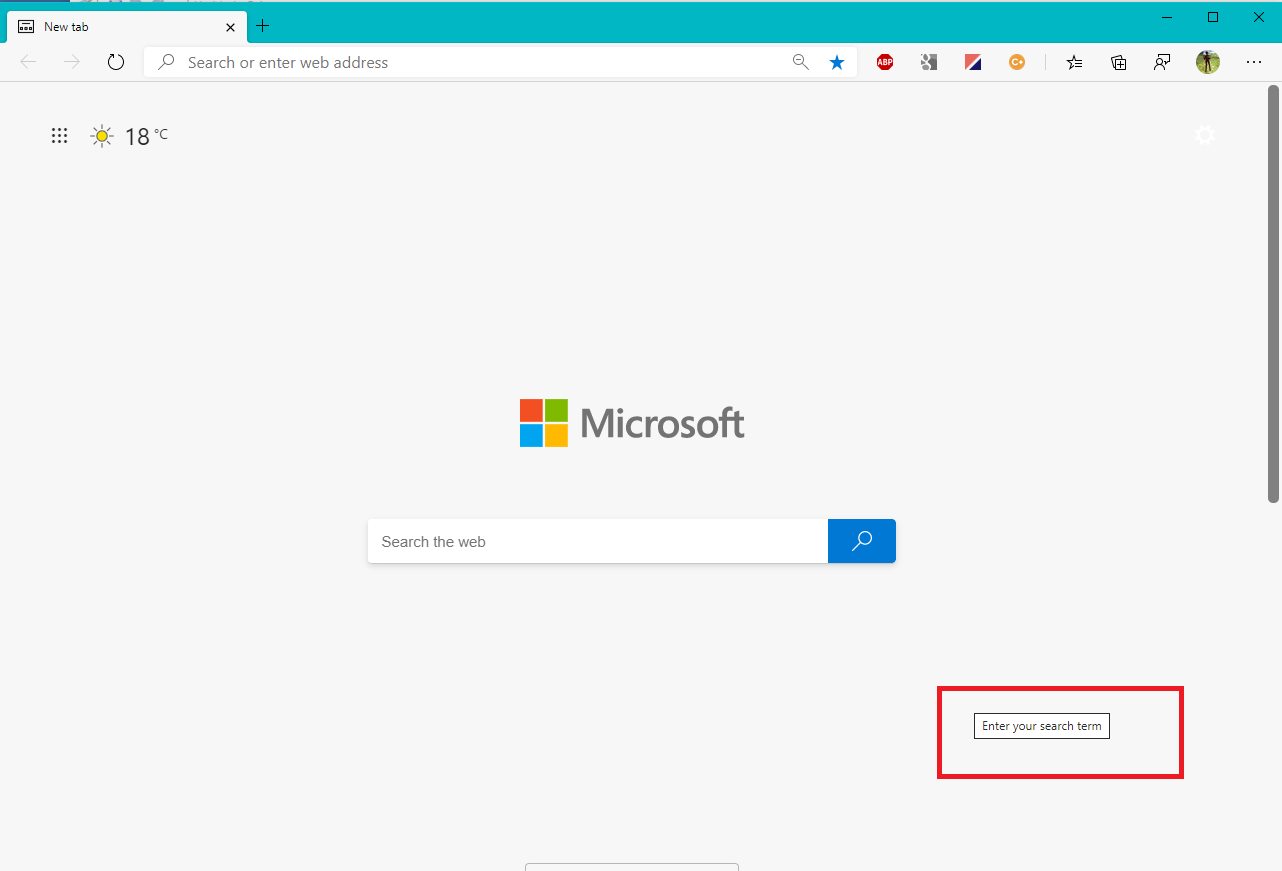
I notice today that hover text (e.g. on MS Search page) is offset below and to the right as well (as shown in the attached).
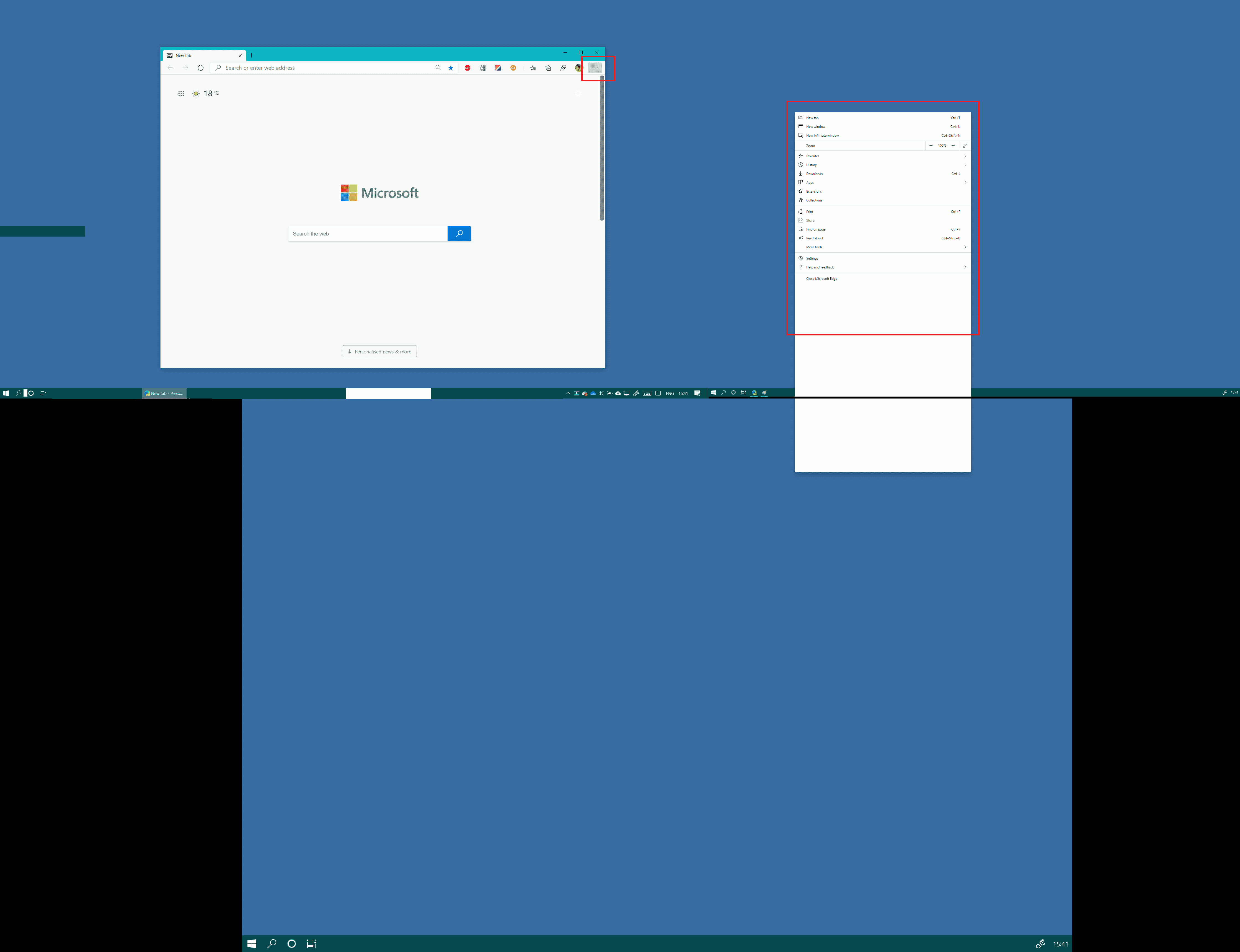
You'll see on the other attachment that there are 3 monitors - the SurfaceBookPro at the bottom, and then 2 monitors above it.
Perhaps my multiple-monitor setup is unusual?
- WayneGjaltemaJan 19, 2021Copper Contributor
AmateurD I have what appears to be a similar issue.
Menus open on different monitor in multi-monitor setup. Happens when Edge is open on second monitor - menu opens on monitor 3 (built-in screen). Issue does not occur on Monitor 1 or the built-in screen.
Setup - 2 x 24" Monitors + Laptop built in screen.
Dell Latitude 7490 connected to a C-Dock.
Monitor 1 connected to C-Dock DisplayPort - 1980 x 1080. Scale - 100%
Monitor 2 connected to C-Dock HDMI 1980 x 1080. Scale - 100%
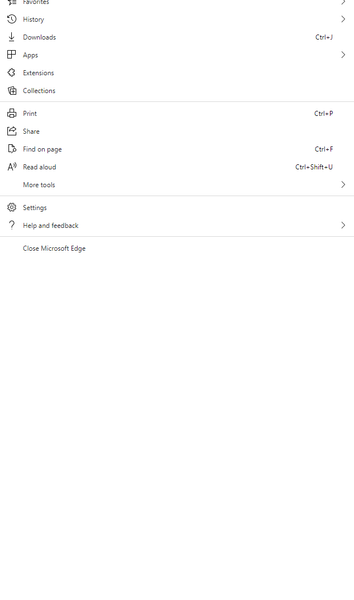
Built-in display - 1980 x 1080. Scale 150%I was able to obtain a screenshot demonstrating the issue using the PrtScn key.
I have also submitted this to the feedback.
- AlbertoLoJan 20, 2021Copper Contributor