Forum Discussion

Browser Task Manager
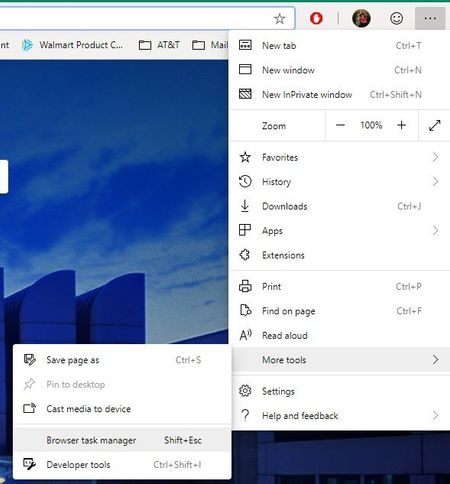

Eric_Lawrence wrote:Dennis5mile I believe this is working as expected. What you're actually killing with the "End Process" call is not the *tab* but instead the renderer engine process that populates that tab. So you get the error message in the content area indicating that the tab isn't getting any further content from the now-dead renderer.
Yes, I understand that, however, why would you want to keep the tab open if what was there is now dead? If the process was not working correctly and you chose to end it, I'd like to see the tab gone too, instead of trying to reload that tab. It's easy enough to open a new tab and try again. Anyway, just curious ......Eric_Lawrence
Dennis5mile

Dennis5mile This function is also available in Chrome, I think it's something from Chromium.
Dennis5mile wrote:Yes, I understand that, however, why would you want to keep the tab open if what was there is now dead? If the process was not working correctly and you chose to end it, I'd like to see the tab gone too, instead of trying to reload that tab. It's easy enough to open a new tab and try again. Anyway, just curious ......Eric_Lawrence
I always used it to keep tabs opened without using RAM, similar to 'Set Tabs Aside' on Edge.