Forum Discussion

"Browser out of date" message on Edge for Android
I'm using the Microsoft Edge on PC and phone since a long time ago and I always keep the all my apps up to date via Play Store.
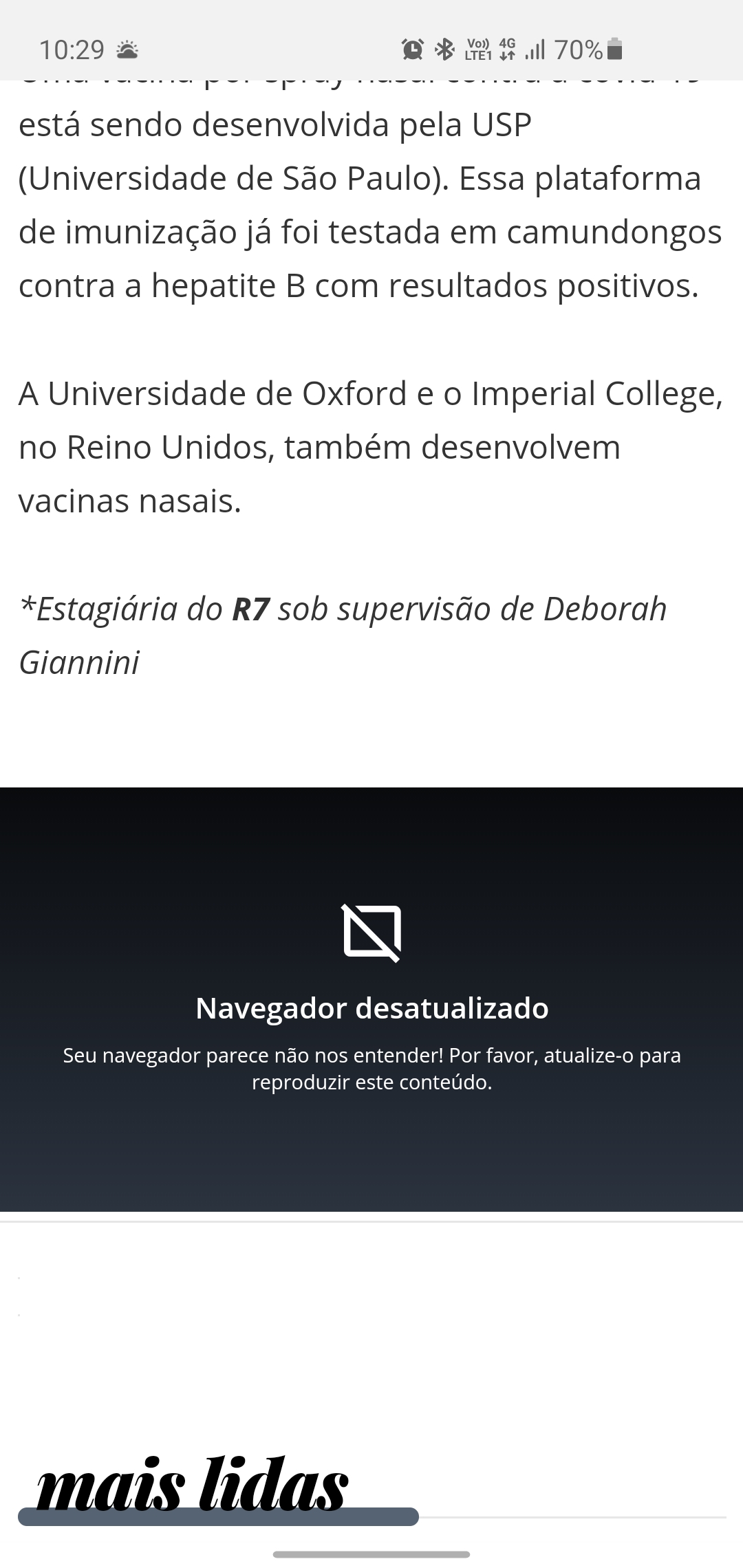
I'm, including, a beta tester and, in theory I'm in the last version, however, even that, I'm receiving the message "browser out of date" or "Please, update your browser" in a lot of sites.
I took two screenshots (attached bellow) from this one, but the text is in Portuguese. I needed download the Chrome for open this two sites and view its content.
My version is the 45.09.24.5074 (updated yesterday). I'm with a Galaxy S10e running the Android 10 in the last update as well.
Hi,
Edge on Android is now on the latest version, the same as Edge desktop, everything is new and up to date.

7 Replies
- Tio_DepSteel ContributorSo incredible ! Wonderful ! Will there be a dev channel?
- Rohit YadavBronze Contributor
vctgomes well that message is not obvious given the fact that Edge on mobile still runs version 77 of Chromium, whereas we are testing v87 on Desktop. Just type edge://flags or search Google for 'my user agent' in address bar and see the results. I have sent feedback so many times to the team, but they have not responded a single time.
- vctgomesIron Contributor
Rohit Yadav yeah. I just googled my user agent and I saw exactly what you've said. The Edge beta is running the chrome 77, while the Stable Chrome is running the chrome 83.
It's really a pity that Edge for Android is abandoned. So many bugs, features missing, design problems and more.
Hi,
Edge on Android is now on the latest version, the same as Edge desktop, everything is new and up to date.
- I can't read/understand what it's saying but it could be 2 things. either those sites are not popular and don't support Edge user agent (for some weird reason) or tracking prevention at max and some sort of blocking is causing that.