Forum Discussion

Activate WDAG in Insider Edge
tomscharbach You're right.
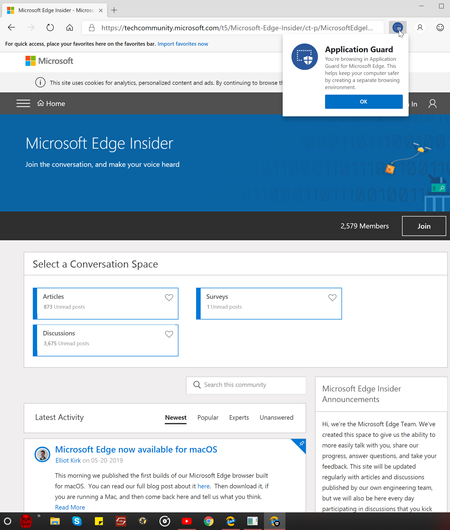
The actual idea of the post is, though, if one does already have WDAG activated, it can be used now in Insider Edge (big)if one has updated to Windows 10 version 1903.
I just posted the short version on how to get in case some one hasn't used it yet.
I saw a few other posts where members were asking when it would be available, and I had seen a week or two ago at Bleeping(dot)com that it was already available, but couldn't get it.
Last night when I updated to 1903, and then checked, low & behold it was there😎

Deleted "The actual idea of the post is, though, if one does already have WDAG activated, it can be used now in Insider Edge (big)if one has updated to Windows 10 version 1903."
We aren't in conflict. I just wanted to alert Windows 10 Home users that WDAG is not available for that edition of Windows. The hope is that the alert will head off "I can't find WDAG ..." comments from Windows 10 Home users.
- DeletedMay 22, 2019Not applicable
tomscharbach I understand that.👍
- tomscharbachMay 22, 2019Bronze Contributor
Deleted Thanks for the information. I just enabled the WDAG extension on the two W10 Pro computers I'm using to test Edge Chromium, and I'm going to test drive it. I wouldn't have been aware that it was available without your post.
WDAG is an important security tool. I'd like to see Microsoft enable WDAG on Windows 10 Home edition, but that is a topic for another forum.
 stesch79Jul 24, 2019Iron Contributor
Is it possible to enable extensions in WDAG like for "Allow in InPrivate"?
An I noticed that the proxy settings are not recognized. So isn't it possible to run WDAG behind a proxy server?