Forum Discussion

Elliot Kirk
Apr 08, 2019Former Employee
We're Listening!
Greetings Microsoft Edge Insiders!
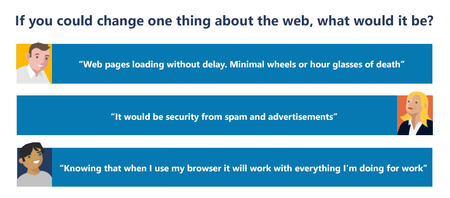
Let us start off by saying, welcome to the Microsoft Edge Insider community! We’re so excited to have you here, and we can’t wait to start learning from you. If...

Drew1903
Jun 12, 2019Silver Contributor
#1 it has, already 😀 Address box is, also, a Search box 😊 Ergo, since the cursor is sitting in that box when the browser is opened just start typing what you seek. It will start searching immediately, as of the 1st character entered and show results, of course. Naturally, it uses Bing, but, will use whatever (other) engine you have set, instead, also.
Cheers,
Drew

jtaiv
Jun 13, 2019Copper Contributor
On second read I probably didn't explain it properly. I didn't mean the search bar/address bar find feature that looks up via Bing/Google/Duckduckgo what have you but similar to pressing Ctrl+F on a web page and perform a text search.
-Jonttu
- Dan_AI4GKJun 14, 2019Steel ContributorFind on page....
- Drew1903Jun 13, 2019Silver ContributorYes, that supports my hunch 😉 Had a feeling you were after something like that. I can offer this... One can do search in similar ways, but, using the OS. Right now Win+S or hit search icon or start typing in its box. Soon in Win10 will be able too open Start and type to search. I get none of that is what you are wanting.... But, sorta 😉
Cheers,
Drew
Sent from my Windows Phone
