Forum Discussion

We're Listening!
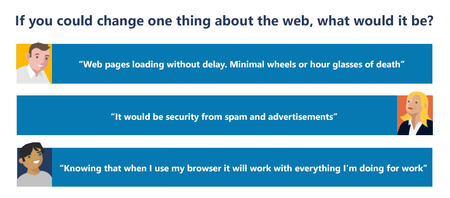

We need to be able to use our Office365 account to sign in for syncing passwords, bookmarks, etc. Requiring a Microsoft account defeats the purpose of a truly unified account. They can sign into windows with a 365 account, get email and their apps with it. Now we just need the browser to work with it! Elliot Kirk

Yes, I absolutely agree. We don't use the sync function in Edge specifically for this reason. As the owner of my organization, I really don't want my staff using their personal accounts to sync work related bookmarks, passwords, etc. I would want it all under the domain and control of my Office 365 for business tenant and have clients that would want the same thing with their tenants.
That's the only issue I have with the Chromium based version of Edge Dev right now. I'm loving the responsiveness of Chrome that I am getting now combined with the single sign on of Edge when it comes to authenticating with the office portal on azure joined workstations. Oh, I take that back. It appears that Edge Dev does not do the single sign on like Edge does. After I reset my browser it prompted me for authentication on Office 365 portal like Google Chrome...lol Okay, guess that's in the works. It must have remembered me from importing my login info when I first installed it.