Forum Discussion

 Microsoft
Introducing web capture for Microsoft Edge
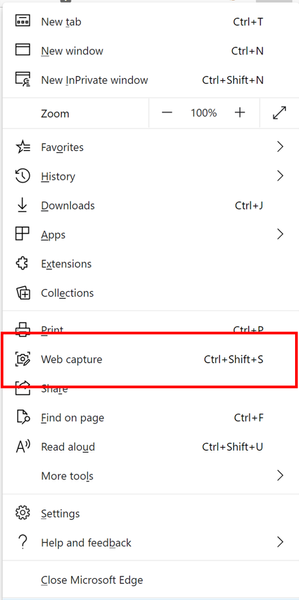

If you want video capture, use Xbox game bar which is built in Windows 10. press Win + G to start.

HotCakeX Thanks for this! I didn't know it did that. Sadly, when I passed on the info to my dad (who is the one who could really use the feature), it said his system didn't meet hardware requirements. He has an older AMD HD7500 and the minimum is an HD 7700. Interestingly, the Camtasia software (which he used the trial version of on this exact PC) didn't have the same issue. Guessing MS is passing off more work to the video card than Camtasia does.
Since he's not able to test until I can upgrade his system, can you tell me if the game bar capture will capture to a defined window? Or is it only full screen?
- HotCakeXOct 02, 2020MVP
No worries ^^
well I can play AND capture game on Intel 630 graphic (no discrete GPU), that's how optimized this thing is (Windows 10 2004). the reason his computer is having problem with it might be a driver issue. check see AMD released new Windows 10 ready drivers for it.
it's just a quick and easy way. if you want more advanced options, you can use OBS which is free and open source.
So the way Xbox game bar works is that it only records the window it was launched from.
if Edge is your focused Window and then you press Win + G and start capturing, it only captures Edge window.
you can however select which audio is recorded in your capture from Game bar settings.
(game = the program that's being recorded)
