Forum Discussion

Afsar_Shariff
Jan 05, 2026Brass Contributor
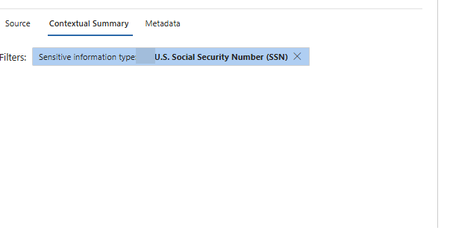
Microsoft purview auto labeling contextual summary
Hello All, I am not able to see the Contextual summary in service side auto labeling of Microsoft purview information protection. I do have "data classification content viewer role" in my ID. Pl...
 Jan 08, 2026
Hello Afsar_Shariff,
A couple of things to check,
- You should have E5 or equivalent for this to work. Refer to: https://aka.ms/M365EnterprisePlans
- It works for specific set of workloads and classifiers, especially auto-labelling is supported for simulation matched items only for SharePoint sites and OneDrive sites. Refer here: Increase Classifier Accuracy | Microsoft Learn
Make sure your scenario matches these prerequisites. Also, try re-running the simulation and check.
Hope this helps!
Please mark as solution, if you find the answer helpful. This will assist others in the community who encounter a similar issue, enabling them to quickly find the solution and benefit from the guidance provided

Jan 08, 2026
- If your policy matched older files that haven't been touched recently, Purview detects the match but doesn't generated the "snippet" (contextual summary) for privacy reasons during the initial crawl. If you have access to the file or know the owner, ask them to make a small edit and then save to see if there are any changes.
- The full Contextual Summary (showing the snippet of the file with the keyword highlighted) is primarily supported for SharePoint Online and OneDrive files in simulation mode. Exchange matches often only show the subject line or metadata due to different privacy handling.
- Contextual Summary is an advanced feature that often requires Microsoft 365 E5, E5 Compliance, or the Information Protection & Governance add-on.
Hope this helps!
Please mark as solution, if you find the answer helpful. This will assist others in the community who encounter a similar issue, enabling them to quickly find the solution and benefit from the guidance provided