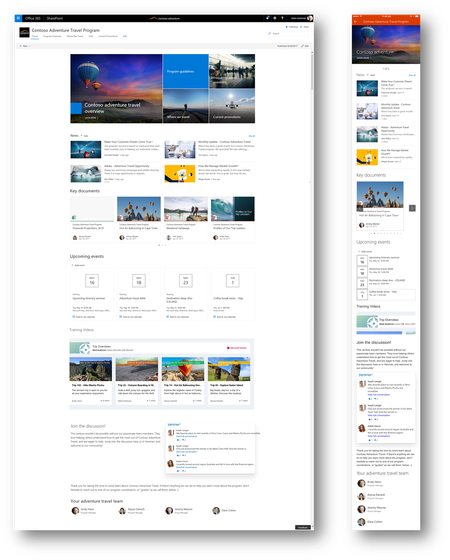
Dennis Gaida There's not a quick fix answer here. You could certainly treat your team sites where the home page is your front door to what you want to share about your team/project/campaign - and can soon use the capabilities of a communciation site in the context of your existing group-conencted site (aka, use of multicolumn layout, hero web part, people web part, events, etc.. - whatever makes sense for your needs; knowing that the layouts, news and web parts are common between both site types. The main thing is that communication sites won't be tied to a particular Office 365 Group; though you can use group(s) to help manage permsisions - you mainly don't get a default group and no other service is provisioned like with group-connected team sites where you also get a shared calendar, planner plan, group inbox, etc...).
And certainly, you can create a new comuncaiton site and have it front end in a similar fashion. Know, too, that comucnation sites have similar behind the scenes list, library and app capabilities - so this too may help.
There is no "make my team site a comm site" button; though if the above rambles in the territory of what's possible, think there's a zone of what can work with what you describe.
- Mark