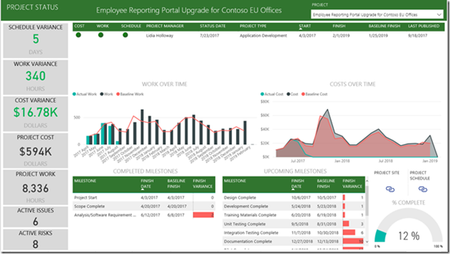
I have been able to add the custom project and the task fields I created in Project Online by going into Removed Other Columns i Power BI and adding them. However, I would like to do the same thing for the custom issues fields I created. In Power BI, when I try to go to Removed Other Columns for the issues table, I do not see my custom columns like I did for the tasks table. Is there something special I need to do to add them?
How I created the custom issues columns:
I created the custom site columns at the project online project center Site Settings, Site columns. Then I went to the project site (template) and under Site Contents I right clicked and chose Settings for Issues. I selected add from existing site columns, and added those columns. I used this project as a project template to create the other projects. All of the custom Issues fields are there in the project sites I created from the site template.
Is there another step I need to perform for the custom issues columns to show in Power BI Desktop Pro?
Thanks,
Mark