Learn more about the latest updates to Planner, leveraging the power of Copilot and agents to streamline project management.
Updated Dec 05, 2025
Version 2.0
AnavSilverman Microsoft
Microsoft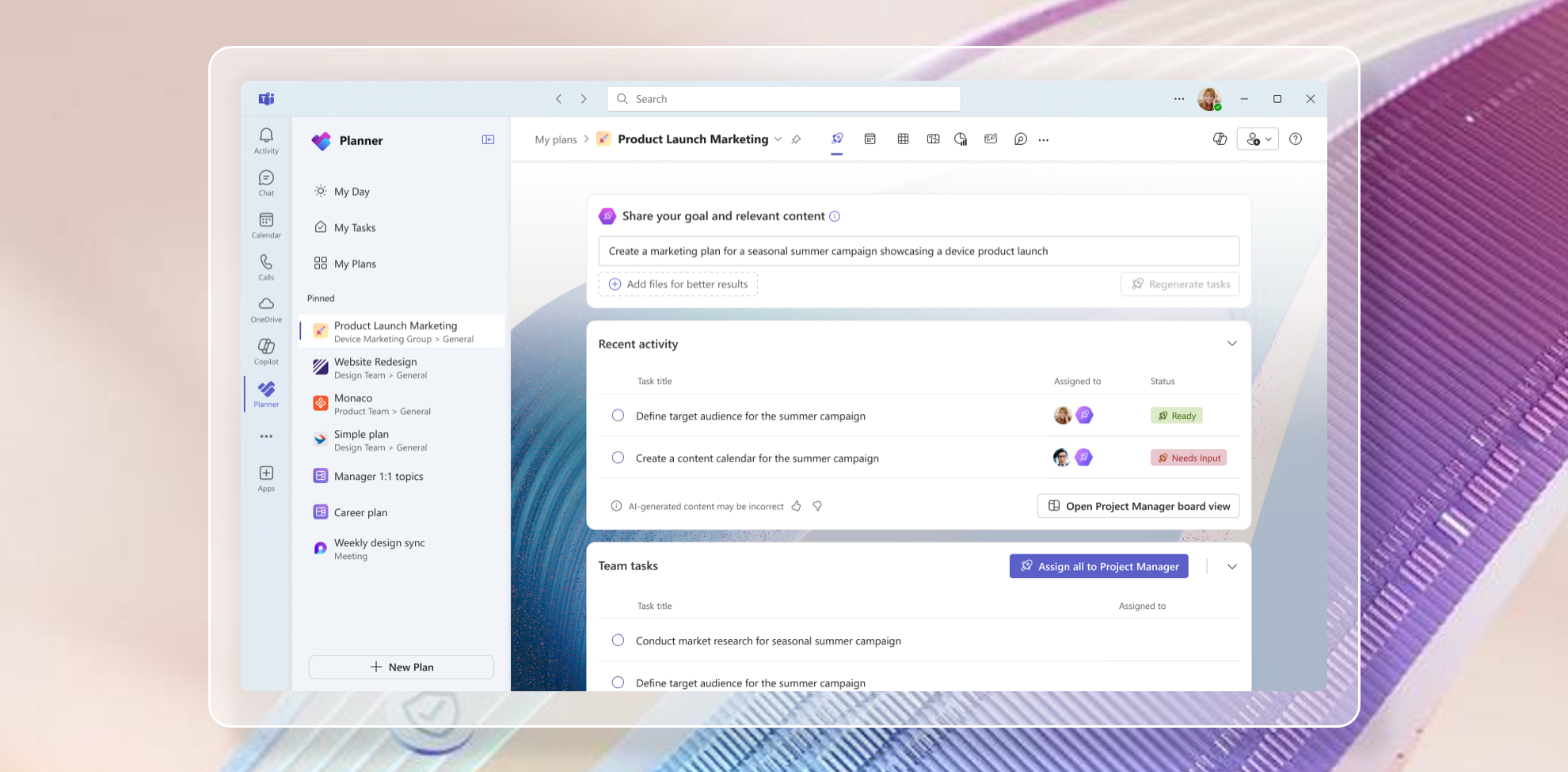 MicrosoftMicrosoft
How can I disable project manager agent. It really ruined the ability for one to add custom buckets with ease. Also with the blank canvas you don't get to enjoy the ability to use Whiteboard, I really hate the changes you made to planner. It used to be such a simple and powerful tool, now I have to click around and prompt stuff which 99% of the time the project manager can't add buckets horizontally on a board view like we used to do before.

With a Premium Plan there is the option to switch back to Basic. If that is not what you want, then only fix I can thing of is to create a new Plan using the old one as a template. See image below to switch back. Click the down arrow next to the Plan name, then click Plan Details, then scroll to the bottom and find the "Switch back to Basic" link.