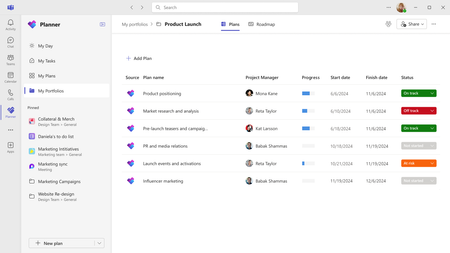
Learn about Portfolios, a new feature designed to help users track and manage multiple plans in Planner.
Updated Dec 05, 2025
Version 2.0
Meet_Sanghvi Microsoft
Microsoft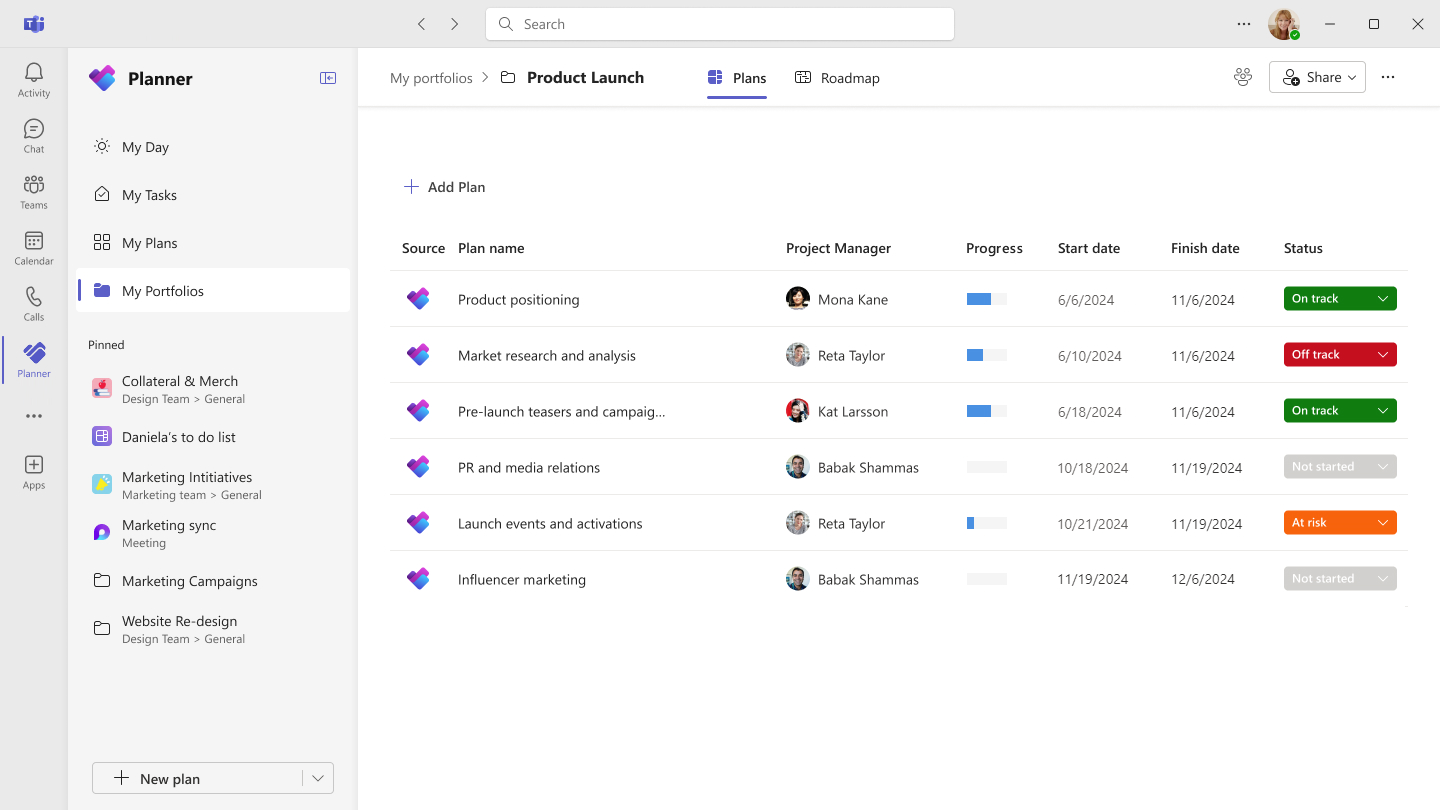 MicrosoftMicrosoft
Had the same question, luckily Copilot helped me out:
To deactivate the portfolio mapping feature for Planner, you can follow these steps:
That said, it didn't solve the problem for me. I'm now waiting until the deactivation actually removes the Portfolio button to reactivate it again.
Update:
Waited a couple of minutes and reactivated the functionality. Works!

This worked for me! Thank you took about 5 minutes or so.