Updated Feb 27, 2026
Version 4.0
AnavSilverman Microsoft
 MicrosoftMicrosoft

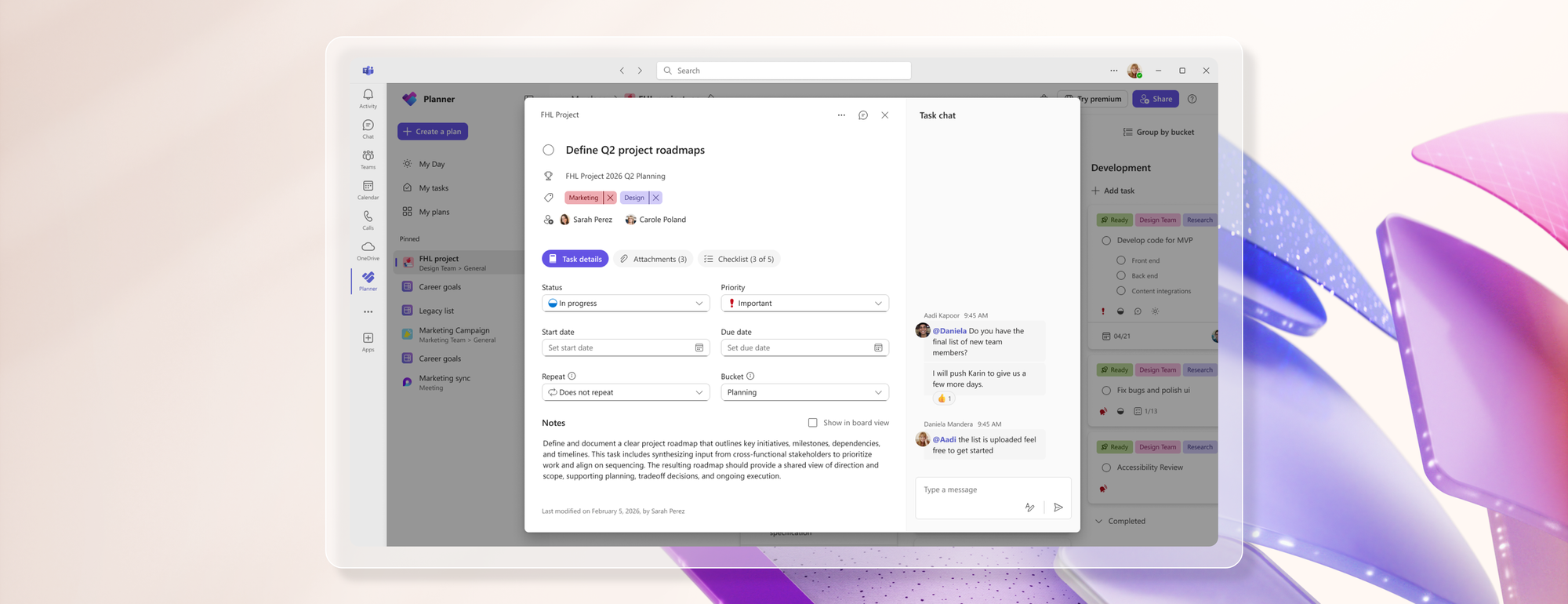
I’ve actually built an entire in-house CRM system using Microsoft Planner, so this update was both exciting and concerning for our workflow. One of the biggest issues we encountered after the refresh is that all historical comments are now gone. We heavily relied on the comment section to track lead handling status, communication history, updates, and the current state of each opportunity. Losing that history significantly impacts operational visibility and accountability.
Instead of removing or limiting comments, it would have been far more valuable to improve them with features such as:
This would allow:
Another feature that would dramatically improve Planner is granular task visibility permissions:
This would transform Planner from just a collaborative group board into a powerful project tracking and CRM platform suitable for operations, sales pipelines, client management, and internal workflows.
Additional features that would make Planner incredibly robust:
Having used multiple task management and project tracking platforms over the years, there’s a huge opportunity for Planner to evolve into a far more robust operational system while still maintaining Microsoft’s clean ecosystem integration.
Planner already has the foundation to become one of the best operational management tools available especially for organizations building custom workflows internally.

I know dependencies between tasks already exist, but I would like to add task numbers to your list for easy tracking and exporting tasks to Excel for many other purposes. I hope someone from MSFT is reading our comments 😁