Updated Nov 09, 2023
Version 7.0
abdias_ruiz Microsoft
MicrosoftMicrosoftMicrosoft
Your solution is not a solution. It is at best a temporary workaround:
1. You now have an Outlook which will be performing contrary to its documentation which could be confusing for someone using your Outlook or yourself if you've forgotten about the Registry Hack.
2. During a Windows Update or Upgrade, you are susceptible to your Registry Hack being wiped out when the Registry is recreated in the Windows Update such as possibly with a Cumulative Update or when a Feature Update occurs or when you do a Reset of your Windows.
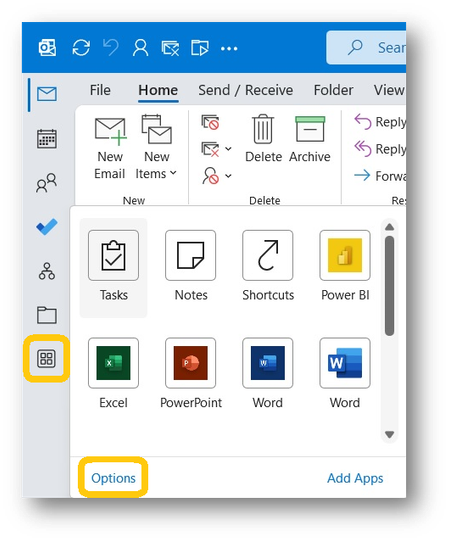
The only real solution in my opinion is for Microsoft to restore the original location or at leas give Users the option to position these Icons where the User wants them. In addition which nobody seems to have noticed is that in the old location the User could reorder the Icons on the Bar. Now on the Left Side Bar the default Icons, at least, are not able to be reordered.