Updated Nov 09, 2023
Version 7.0
abdias_ruiz Microsoft
MicrosoftMicrosoftMicrosoft
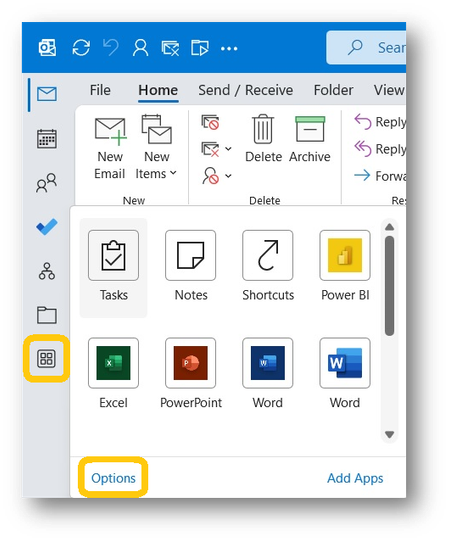
To restore the position for the app selection to the bottom (at least until MS deems it no longer experimental and ignores the entry), copy the following into a .txt file then rename to a .reg (I'd embed a copy, but this widget won't allow txt or reg files):
Windows Registry Editor Version 5.00
[HKEY_CURRENT_USER\Software\Microsoft\Office\16.0\Common\ExperimentEcs\Overrides]
"Microsoft.Office.Outlook.Hub.HubBar"="false"
Double click the file to add the appropriate key to the registry and restore that portion of the user interface.
Made my life a little easier, hope it does the same for you. Unfortunately, too many people won't actually read through 8 pages of pissed user comments and find this solution, however temporary. At least by clearing the checkbox, I'll no longer get copies of all the new gripes...
abdias_ruiz , please add this to the update in the original post. Obviously, nobody posting here likes the new position. Changing this registry entry may not keep the change from being implemented permanently, but it will end the irritation at least temporarily. Sadly, although the place where I found the info is in the first page of comments, it appears most users either didn't find it or don't know how to use the registry editor to add the key.