Updated Nov 09, 2023
Version 7.0
abdias_ruiz Microsoft
MicrosoftMicrosoftMicrosoft
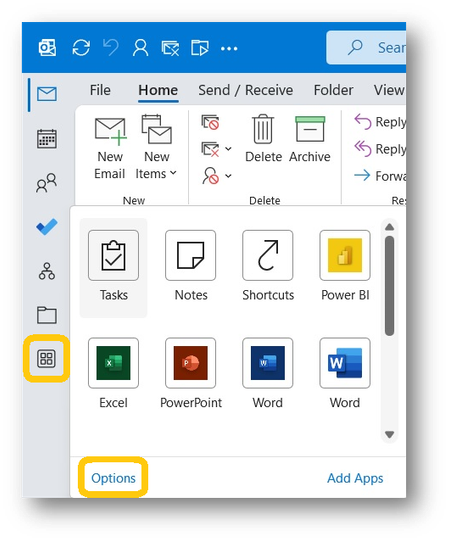
I learnt today that the "apps" icons for Outlook (mail, calendar, etc.) are now on a left hand bar with no option to change or hide it. It is a waste of screen real estate which remains mostly empty while the working area of outlook is reduced. This is an issue on small laptops where every bit of screen real estate counts. Please give the option to put them at the bottom as before, or even hide them altogether until needed. I sense this decision comes from developer(s) who seldom use the application like the majority of us do as a daily working tool on a variety of small screens. Perhaps the same developers who made the woeful "Modern Comments" in Word which required one to scroll sideways right across the screen to read comment bubbles outside the working area. At least they had the good sense to provide an option to use the original commenting configuration. If you have any respect for your customers, listen to what they are saying in the Microsoft Techcommunity.