Updated Nov 09, 2023
Version 7.0
abdias_ruiz Microsoft
MicrosoftMicrosoftMicrosoft
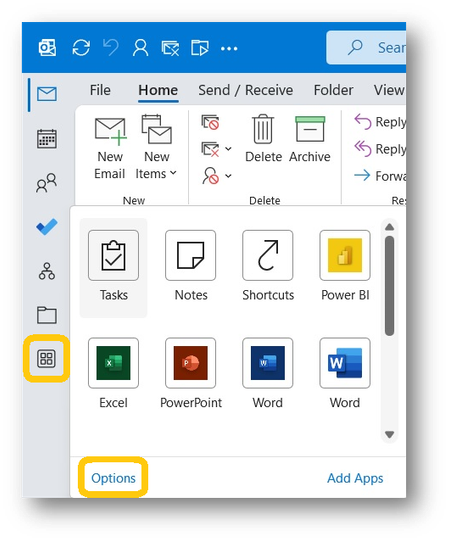
So the post providing the solution of changing the registry setting for Microsoft Outlook worked. It was more advanced than my IT skills, but my IT consultant was able to make this change and it worked. I am back to having my task bar at the bottom of my screen and I am extremely happy. Highly recommend this fix.
As per the post of https://answers.microsoft.com/en-us/profile/764ddd42-871f-4199-83d2-92520e319f3f dated August 12, 2022 on the MS community website
https://answers.microsoft.com/en-us/outlook_com/forum/all/how-do-i-move-email-calendar-people-icons-back-to/6dd0ded4-7a9e-4d0a-aa6f-1870e0ef8ac1?page=49)
it boils down to setting the registry string Microsoft.Office.Outlook.Hub.HubBar to false
HKEY_CURRENT_USER\Software\Microsoft\Office\16.0\Common\ExperimentEcs\Overrides\Microsoft.Office.Outlook.Hub.HubBar
see also the original post by https://answers.microsoft.com/en-us/profile/6b9eb717-43e4-4cd0-ae78-91c72b108019 on the same site (https://answers.microsoft.com/en-us/outlook_com/forum/all/how-do-i-move-email-calendar-people-icons-back-to/6dd0ded4-7a9e-4d0a-aa6f-1870e0ef8ac1?page=39)