Updated Jul 27, 2020
Version 13.0
Jessica_Wilczek Microsoft
MicrosoftMicrosoft
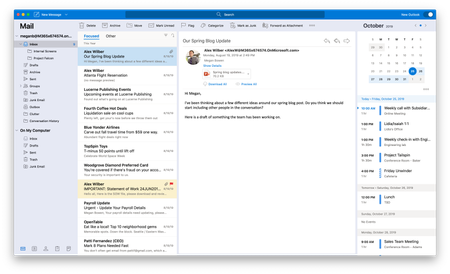
I too was missing the New Outlook button but now I do have it. This may have something to do with how you download the app. I could not see the New Outlook toggle when I had downloaded the app from the Apple App Store. I then installed Outlook from the Office 365 portal and the New Outlook option appeared. This may be a limitation on stable releases that Apple controls. In any case if you've downloaded Office/Outlook from Apple App Store try logging into your Office 365 account online and downloading the app from there. It worked for me.
Separately, some comments on the release so far:
- Really needs the unified inbox (and other unified folders) for multiple accounts as in prior Outlook.
- Would like the option to generate replies in new window by default instead of in preview window.
- Would like to be able to organize the Favorites list (seems to stick folders in any order it wants then you can't move them).
- Search needs to apply to all mailboxes. In this release the search only applies to the mailbox you are presently in.
Otherwise seems to be coming along nicely.