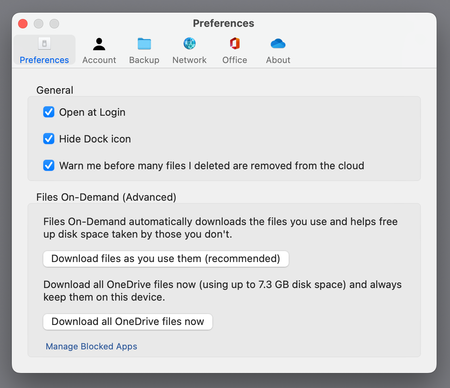
So I am back to having my home directory on the internal drive (512 GB, which was enough under Big Sur, but no longer is under Ventura). I tried putting the OneDrive cache on the external drive (2 TB SSD) and this *appears* to work but actually doesn't. If I open a file stored on OD to force it to download, disk usage on the INTERNAL drive goes up, available space on the external drive stays put. So the OD cache is now on the internal drive and I'm forced to download ONLY the files I'm working on, freeing up space immediately afterward.
And I'm still low on space on the internal drive. How to safely offload (non-OD) files onto the external drive? I'm told putting the special protected directories like ~/Documents on the external drive and replacing them in my home directory with symlinks is dangerous and will cause catastrophic data loss some day... because Apple. I'm told (by Level 8 people on the Apple Support Community) that even offloading all user content in ~/Documents to the external drive and putting a symlink INSIDE ~/Documents is dangerous.
Apparently the only safe way to access an external drive from your local account is to put your home directory on it, but it's clear that THIS BREAKS ONEDRIVE. Unacceptably poor design, but I'm not sure whether it's Apple's fault or MS's.