I thought I would post this question here as well since the article addressed syncing to external drives.
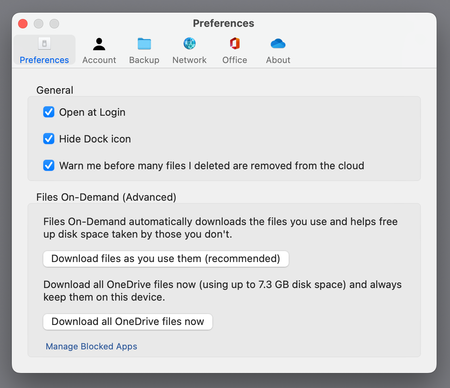
My configuration is a MacBook Pro (M1, 2021) running MacOS 13.1, with my home directory on an external SSD drive (APFS format). I am finding that OneDrive DOES NOT WORK in this configuration - after I link to my university account and let OneDrive sync everything, I find that I can see my OneDrive store's directory structure in the Finder, but no files are visible unless they are moved into it from the local machine. "Download all files now" changes nothing except the downloads eat up disk space, but I still cannot see the files on the local machine. The behavior is the same if I designate my OneDrive folder to be on the internal drive, as long as my home directory is on the external drive. At one point I unlinked the machine from OneDrive with the files downloaded and then relinked it and let it download the files. The used disk space began to increase from the previous value, i.e. disk space was not freed up when the machine was unlinked from the OneDrive store, and it appears that space can only be reclaimed by reformatting the drive (unacceptable).
OneDrive DOES work as long as my home directory is on the internal drive, but because Ventura system files take up so much space, this is an unacceptable scenario - I bought the external drive after purchasing the computer because I found I have so little free space on the internal drive. I need to put my home directory there, and there is really no alternative solution that works. But it seems this is incompatible with OneDrive. Is there any fix in the works for this problem?