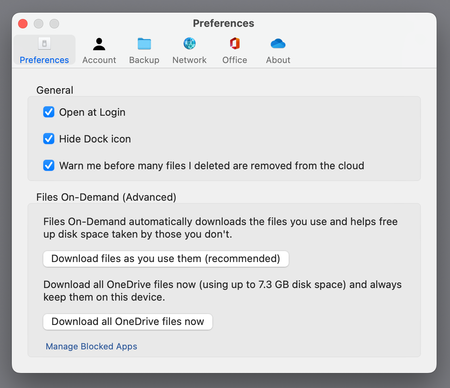
Well, I was happy with OneDrive working the way I expected it to work (and has been for years), up until the app updated itself yesterday.
My setup was...
A documents folder on my macbook that was synced to my Synology NAS using Synology Drive (this in-turn synced to my mac mini and ipad/iphone where I have Synology Drive installed).
Within this documents folder was my OneDrive folder - this way I just had OneDrive installed on one device and any changes were replicated to my other devices thanks to Synology Drive. (I've been using this method for a number of years now).
Yesterday, OneDrive updated and I noticed that the OneDrive folder had relocated itself leaving just a symlink.
Obviously, this replicated to my devices via Synology Drive - meaning when I tried to go into the folder on mac mini I was presented with an error - as the symlink was pointing to a folder on my macbook.
Yes, I know I could install OneDrive on my devices, but my personal iphone is Company enrolled so can only access the company instance of OneDrive...
Are there any technical reason why the folder was moved to "CloudStorage" in Library? Are there any technical reason why the OneDrive folder cannot be located where we want it to be?