Blog Post

Microsoft OneDrive Blog
2 MIN READ

OneDrive for Mac Now Supports Removable Drives

Jack_Nichols's avatar
Jack_Nichols
Icon for Microsoft rankMicrosoft
Jun 12, 2025

Earlier this year, we announced support for several improvements to OneDrive for Mac, including support for external, non-removable drives.

We’ve heard feedback about the differences between “non-removable” and removable drives, and wanting the flexibility to sync OneDrive to any external drive—no matter the type. Now, with OneDrive version 25.127 or later, you can seamlessly sync your OneDrive files to any external drive, including removable ones.

Syncing to a removable drive works just like any other drive, except that if you unplug your drive, OneDrive will stop syncing and show an error. You’ll need to plug your drive back in and restart OneDrive to resume syncing. There’s a short grace period between when a drive gets disconnected and when OneDrive shows an error to handle drives that sporadically disconnect.

There are a few requirements your system must meet to use this feature:
  • You’ll need version 25.127 or later of OneDrive.
  • You also need to be running macOS 15.0 or later.
  • The drive you select must meet the following requirements:
    • Formatted for APFS
    • Protected by FileVault (see below for instructions)
    • Not read-only, a network drive, or marked as quarantined by macOS.

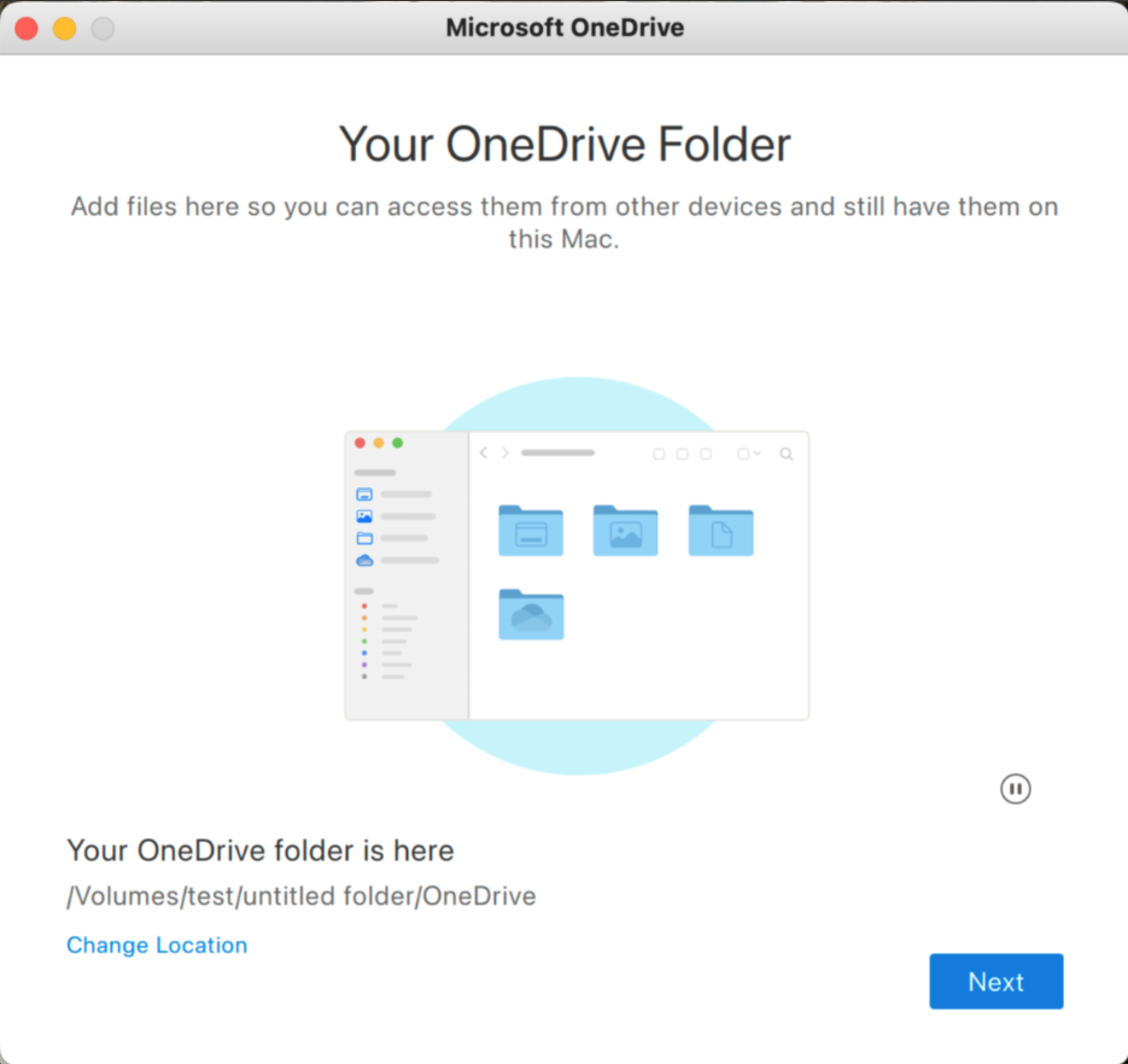
Just like before, you'll need to manually set up a new sync relationship on the new drive. Sync settings won't transfer automatically.

You cannot use OneDrive by moving your external drive between Macs; you must set up OneDrive again on each new Mac with the external drive.

To protect a drive with FileVault:
  1. Format the drive for case-insensitive APFS, if it is not already.
  2. Find the drive in the Finder.
  3. Option/right click the drive and choose Encrypt.
  4. Follow the prompts.
  5. That’s it!


We’d love to hear your feedback about this change! The best way to do that is to click on the OneDrive icon in the macOS Menu bar (near the clock), click the gear icon, and choose Send Feedback.

You can also leave a comment here. We read them all, even if we can’t reply to them all.

Updated Aug 29, 2025
Version 3.0

56 Comments

  • Mac101UK's avatar
    Mac101UK
    Copper Contributor

    Totally broken OneDrive on Mac. App does not connect to Onedrive, any attempt to load a Onedrive file results in a hang, whether in Finder or within an app. Removing the Onedrive folder is difficult, again resulting in a hang, whether Onedrive is running or not. Clean install (folder removed, app reinstalled after appcleaner) gets to the choose OneDrive folder location, once location is selected it results in a, guess what?, a hang. This occurs after attempting to place the OneDrive folder on the non-removable drive. Not even tried to install on my SSD.


    • WildBluePanther's avatar
      WildBluePanther
      Copper Contributor

      I was having lots and lots of issues too.  I finally got it working but something that seem to help was doing the following...

      1. Open OneDrive menu bar, gear, preferences
      2. Go to account tab, Unlink this mac
      3. Go to hard drive where was linked and delete folder alias and actual folder (mine was OneDrive-Personal)
      4. Deleted the tmp directory I believe was in Library, Application Support, OneDrive, tmp ** not sure about this one
      5. Quit OneDrive (onedrive in menu bar, gear, quit)
      6. Open Finder, go to Applications
      7. "right" click on OneDrive, show package contents
      8. Navigate to Contents, then Resources
      9. Run RemoveOneDriveCreds.command
      10. Run ResetOneDriveAppStandalone.command


      WARNING! - Make sure you have everything backed up properly before doing any of these steps.

  • Hi everyone,

    Thanks for the feedback, especially about the problems some of you are having with opening online only files from removable external drives. From this feedback, we were able to identify a bug that affects certain types of removable drives. A fix is now available in version 25.127 which should now be available to everyone in Insiders. Please give it a try and let me know if it doesn't work for you.

    I also appreciate the feedback about the cache folder. Although I don't have anything to share on this topic today, I want to emphasize that I hear you and understand the challenges this creates. Stay tuned.

    Jack


  • Pezjulo's avatar
    Pezjulo
    Copper Contributor

    So, I stopped using OneDrive for mac ever since I noticed that prior builds took twice the expected space in my HD, one set of files for the root library, and a "copy" of those files in the Group Containers path. This is a widely known and reported issue with onedrive, that made my Mac consume all my disk space in effectively holding about 1TB of data for Sync files (my OneDrive data is around 500GB).


    This new version still has the same issue, as verified using a Disk monitor solution...data gets synced to the chosen Library (showing as Documents in the storage) and also as System Data (which are the mrrored files in Group Containers).


    Can you please inform when a version of OneDrive that doesn't create duplicates of all files will be released?

    • bananadon's avatar
      bananadon
      Copper Contributor

      Do you have any good ideas for alternatives? We were using the old version and never upgrade that works like a charm but even that one auto-upgraded unexpectedly. What a good product!

  • Jack_Nichols​ not working for me. Error about not able to reach server and say you need to restart Onedrive and I've also already tried to do it (https://support.microsoft.com/en-us/office/reset-onedrive-34701e00-bf7b-42db-b960-84905399050c)


  • bananadon's avatar
    bananadon
    Copper Contributor

    It’s not working, when opening a file, always says Finder cannot communicate with the application, even the OneDrive panel shows it is downloaded. And as I can see it is still a shortcut in the removable drive rather than the files? I don’t know if the files are really stored in it.

  • Hi Jack

    Excited about this update for OneDrive. 

    Please point us where we can download 25.097 for Mac. 


    The Microsoft website only has 25.095 as does the MacStore.  

    I have subscribed to insider via the office apps, but am really struggling to get the right build, looks like other people in the comments are also struggling. 


    Thank you

    Bren


  • Bluesky007's avatar
    Bluesky007
    Copper Contributor

    I cannot get the removable drive to work. I create the APFS folder & encrypt. At first, everything looks good. I can see all the files in Finder. The problem starts when I open a file. I get an error message:

    The document x.txt could not be opened. 

    The "always keep on this device" results in an error message "The file couldn't be saved because you don't have premission".

    I checked - I do have file premission & I can write to the folder.

    I tried this on two external drives with the same results. Note - it does work great if I use an APFS folder on the boot drive.

    I'm running version 25.105.0601.0002

    Help!

      • arthur229's avatar
        arthur229
        Copper Contributor

        I have exactly the same problem. What can I do?


  • cavecafe's avatar
    cavecafe
    Copper Contributor

    Where can I get the build 25.097 or later? I'm in Insider ring. 

    • Jack_Nichols's avatar
      Jack_Nichols
      Icon for Microsoft rankMicrosoft

      Open OneDrive settings, click on the About tab, and make sure the check box to opt in to Insiders is checked. If you don't see it, you're either running a version of OneDrive installed from the App Store (this version doesn't support Insiders), or your IT admin has disabled it. 


      Once you've done that, OneDrive should auto update within a day or two. You can sometimes force it to happen sooner by restarting OneDrive after this box is checked. 


      Any build >= 25.097 will have this feature.


      cc carlpoppa​ 

    • carlpoppa's avatar
      carlpoppa
      Copper Contributor

      Same question here. Jack, why don't you tell us how to update OneDrive to this 25.097 preview version? I am already a Windows Insider and OneDrive Insider enabled on my Windows 11 machine, but I still cannot get preview update on my Mac? Please let us know. Thanks!

  • Flexpert's avatar
    Flexpert
    Copper Contributor


    Let me reiterate, that the Cache folder, now only used for home volume sync, does not serve any useful purpose any more. Why don’t you ditch it for good? 

    I thought that for syncing to a non-home volume, using the Cache folder as a middleman between macOS File Provider and the actual OneDrive Cloud Storage was quite a clever solution. But for the normal use case with only the home volume it seemed to introduce unnecessary complexity, failure potential and a confusing user experience. 

    So now that Apple allows to move the Sync Root itself to the other drive – wouldn't it be time to get rid of the middleman altogether? What's the actual advantage of the cloned cache folder approach (especially with home-only storage) compared to using File Provider the way its is intended? 

    • bananaMonkey's avatar
      bananaMonkey
      Copper Contributor

      As with same expectations with all other products from Microsoft, it is an unbelievable choice and provide a unnecessary comprehensive solution to a pretty much a simple feature request - sync files within the removable drive, which most Mac users are facing to.


      We are at first very excited to hear this news, then update all our client to the Insider Ring, then the familiar disappointment feelings (that especially to Microsoft products), appears again. As I can observe, you letting us to store the files into a removable drive while keep consuming storage on both local drive `Macintosh HD` and removable drive.


      What a marvellous features that appears to be ruined by Microsoft again, can we just have the feature from the very old 2021 version that just work? 


      Nowadays, even we do not have choice to use the old version to keep this working, since it will force you to update no matter what. You just do not give freedom of choice for your customer?

      Hopefully you guys will fix it by the next 5 or 10 years or so.


      Jack_Nichols​