Here some feedback from my part.
First off, in the environment where I work we have redirected Documents, Pictures and Favorites to the user home folder. I guess this method is not designed for that situation anyway so lets put that aside for now and wait for another solution
(Maybe a solution that involves some kind of background sync from the file server to the users OneDrive and then at a given signal deploy a policy to user that cuts the connection to the home folder and redirects to OneDrive instead).
But I have also tested KFM in my lab where I have a suitable situation with no redirection of the folder to the users home folder.
The first time the user is affected by the policy it went as expected, the user got notified to initiate the protection of important folders. So far so good.
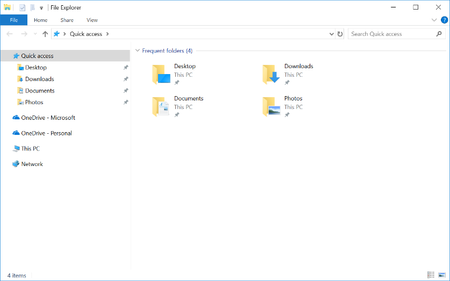
But when the user sign in to another client where the user haven't signed in before things start to get messy. First off, as usual it takes a few minutes before the OneDrive client is updated. Meanwhile I notes that the user have three icons on the desktop, in my case Teams, Edge and Chrome (in other words the desktop folder is not empty).
Suddenly the user are informed that OneDrive is automatically configured and a few seconds later the user are notified to initiate the protection of important folders. Arent that last notification supposed to be silent?
Of cause its not silent since the desktop folder is not empty due to icons originating from default user. To me the silent redirection can not be based on when ever the folders are empty or not, because in most cases the folders are not empty not event on fresh logg on.