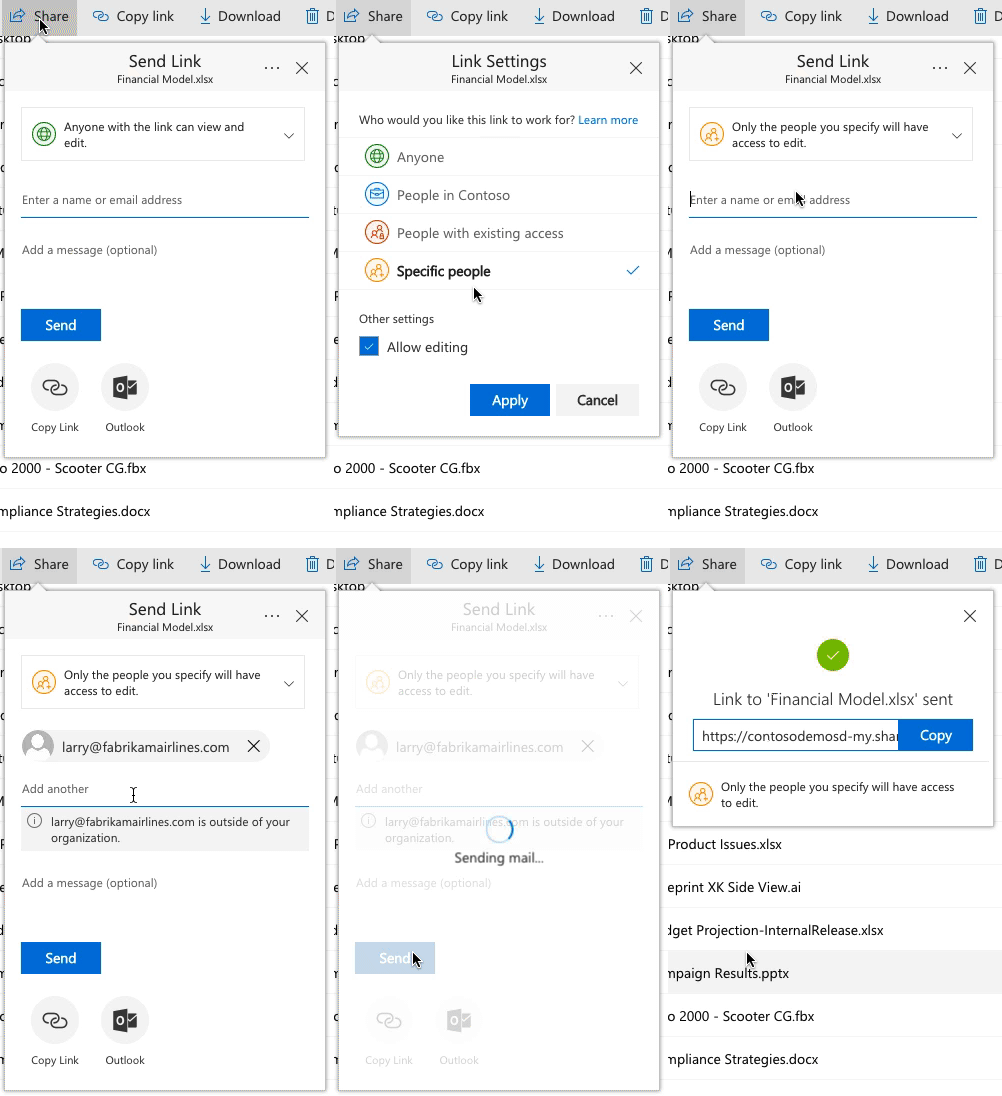
Julian Orange, my organization hires external consultants to write and review highly secure files. I've not found a method that works 100% of the time but here is my method.
I create a SP group for each external user and give the SP group Restricted Read access at the site and library level. I create a folder for each individual user. I stop inheriting at the folder level and remove all groups except the newly created group. I then change the SP group permission to Contribute. I then click on the group name to go inside of the group and change the permissions level to Contribute. From within that group is where I send the invite to the external user. If the external user is new to our organization, prior to sending the invite, I send a personal email with instructions on how to register their email address with Microsoft. The link they receive takes them to the Site level so in the personal message of the invite I tell them which library to click on to navigate to their personal folder.
This method is not 100% without error and it's not just one error message, I think I've seen five different messages. I've not been able to determine what is going on with the external user that causes these errors and they usually happen after the user has successfully accessed a site and then come back later.
I've used the new link sharing method for individual documents but the link seems to expire without notice -so there's that too.