Hi StephenRice
Sorry not sure why I can see that link and doesn't work for others. Here is the post:
__________
Hi,
I work in a school sector where each school has its own O365 Tenant. At times there is a need to share OneNote Notebooks externally between tenancies. I am sure external sharing is permitted in the sites' settings. Sometimes it works but often it doesn't.
Scenario:
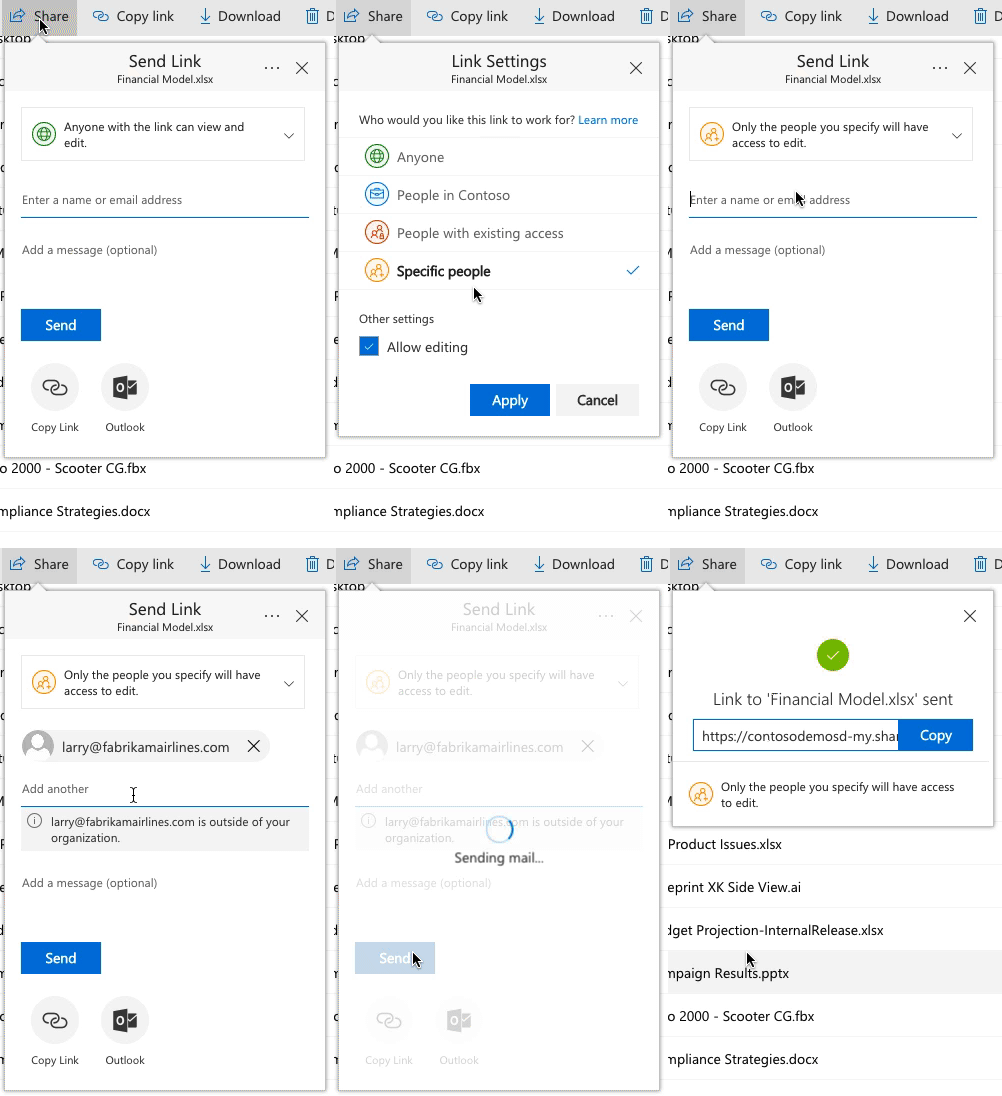
User 1 from tenant A: Creates a OneNote Notebook. Shares with User 2 from tenant B (choosing share with specific user).
User 2 from tenant B: Receives the invitation. On opening they are redirected to "Request Verification Code" from Microsoft by clicking a button. They get the access code via email from Microsoft and enter the code. They are then able to access the OneNote Online.
The problem occurs when they click on "Open in OneNote". It behaves like it's going to open but then pops up wanting O365 credentials. User 2 enters their credentials and then gets an error message and is unable to use the notebook in OneNote 2016 (Professional Plus)
https://filestore.community.support.microsoft.com/api/images/244726b4-9f8f-4301-b53e-510511b1f1f3?upload=true
My understanding is that this verification code is a new security feature of SharePoint. Could this be causing problems with opening OneNotes in the desktop version of OneNote? Seems that if a user isn't asked for a verification code on sharing that it seems to work ok. The inconsistency in experience in sharing OneNotes externally is causing a lot of problems in our sector and is putting people off using it.
Any advice would be appreciated.
Thanks,
Chris
_________