Introduction
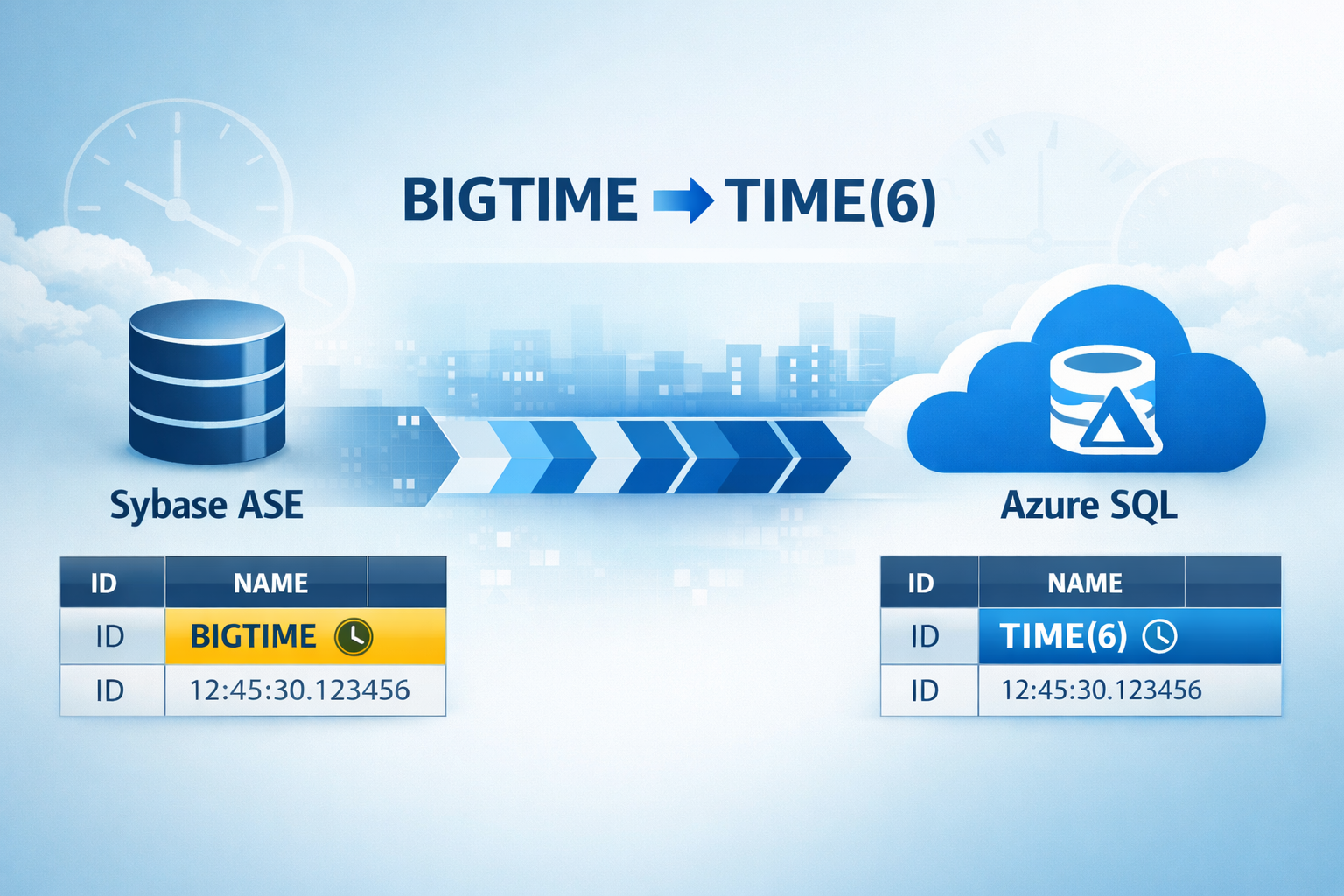
Migrating databases from Sybase to SQL Server or Azure SQL is a common modernization scenario. However, not all Sybase data types have direct equivalents in SQL Server, and one such challenge is the BIGTIME data type. The BIGTIME data type in Sybase stores time-of-day values with microsecond precision (format: hh:mm:ss.SSSSSS). It is commonly used in applications that require high-precision time tracking.
To unblock and accelerate this conversion, we have developed an script (sybase_bigtime_migration.sh) that provides automation to migrate schemas from Sybase ASE to SQL Server specifically where tables contain the BIGTIME datatype. It systematically discovers affected tables, then generates ALTER statements to convert BIGTIME columns to SQL Server’s TIME (6) with a controlled, auditable flow.
General Guidelines
The purpose of this blog is to provide end‑to‑end flow for discovering BIGTIME columns in Sybase and converting them to SQL Server’s TIME (6). Run the scripts on a host that has Sybase ASE installed and running and SQL Server tools ("sqlcmd") installed and available on the PATH. Provide accurate connection details, passwords are read securely without echoing to the terminal.
Functionality of the scripts
The script (sybase_bigtime_migration.sh) validates and sources the Sybase environment, then locates "isql" to query system catalogs for tables with BIGTIME columns. It writes a clean, header-free list to "tablist.txt", ensuring a usable input for the next steps. For each table, it generates an individual ALTER script converting BIGTIME → TIME (6) so you can review or apply changes per object. When SQL migration is enabled, it detects "sqlcmd", tests connectivity, executes each ALTER script, and saves rich logs for verification and troubleshooting.
Prerequisites
The script (sybase_bigtime_migration.sh) must be executed from the same host where Sybase ASE is installed and running, to ensure reliable access to system catalogs and local client utilities. The schema conversion of all tables must be performed using SQL Server Migration Assistant (SSMA) prior to running this script, ensuring that all non-BIGTIME columns are properly migrated and aligned with Azure SQL standards.
Ensure access to Sybase ASE instance with permissions to query metadata in "sysobjects", "syscolumns", and "systypes". If you plan to apply changes, you must have SQL Server client tools installed and permissions to run "ALTER TABLE" on the target database objects. Network connectivity from the host to both Sybase and SQL Server is required.
If you want to run the script only for a specific set of BIGTIME tables in Sybase, create a file named tablist.txt in the same directory as the script. This file should contain the list of BIGTIME tables (one table name per line) that the script should process.
Sybase datatype:
Schema conversion using SSMA:
Azure SQL datatype after schema conversion using SSMA:
How to Use
Run the script (sybase_bigtime_migration.sh) and provide Sybase server, username, password, and database when prompted. Choose whether to perform migration against SQL Server; if yes, supply SQL Server host, credentials, and database. After the detection step, confirm whether to proceed with all tables that have BIGTIME in the specified Sybase database. Selecting “yes” triggers script generation and optional application, selecting “no” exits after guidance, letting you tailor "tablist.txt" before rerunning.
Output Files
"tablist_Final.txt" output file contains the clean list of tables with BIGTIME columns and is regenerated on each run to reflect the current database. Each run writes an overall validation report, including per-table status and counts to "validation_summary_timestamp.log" where valid=tables with BIGTIME columns, missing=tables not found in DB, no_bigtime=tables without BIGTIME columns, unverified=validations errors, total_tablist_count=total tables checked from "tablist.txt". Per table ALTER scripts are created as "alter_<SYB_DB>_<TABLE>.sql", enabling fine-grained review and targeted application. When executing against SQL Server, output logs are saved under "sql_outputs/alter_<SYB_DB>_<TABLE>.out". These logs assist with validating results, identifying failures.
Final Azure SQL datatype output:
Data Migration Strategy
After the schema conversion and BIGTIME data type handling are completed, the data migration should be performed as a separate activity. The migration can be executed using Azure Data Factory (ADF) or a custom BCP-based export and import process, based on factors such as data volume, performance requirements, and operational considerations. Separating schema preparation from data movement provides greater flexibility, improved control, and reduced risk during the data migration phase.
Steps to Download the script
Please send an email to the alias datasqlninja@microsoft.com, and we will share the download link along with instructions.
Feedback and suggestions
If you have feedback or suggestions for improving this data migration asset, please contact the Databases SQL Customer Success Engineering (Ninja) Team (datasqlninja@microsoft.com). Thanks for your support!
Note: For additional information about migrating various source databases to Azure, see the Azure Database Migration Guide.

 Microsoft