Anqi DuThank you Form team, but I still do not understand four things:
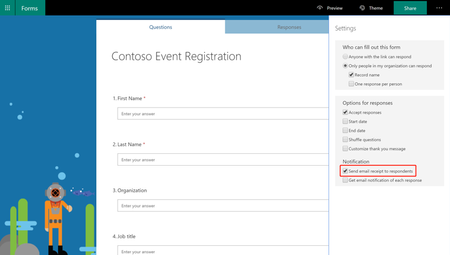
1. Some elements for example in the last picture of your article below the title"Forms External Sharing for Government Customers." The buttons there are old UI from windows 8 and not windows 10 why is that? There are more elements like this.
2. The ribbon is the best UX/UI interface I have seen, and I am sure many agree with it there is a reason why all the other office's apps chose to use it such as access/word/powerpoint/excel, etc...
Moreover people familiar with it and know how to interact with it so why you want to teach them something new from ground up? Ribbon can fit here perfectly, and I can make a concept for it if you wish too, I think it will give users more comfort and reasons to try and use it. 3. If you want people to give a try for MS form, it should have all the essential features that matter from competitor services such as google form. 4. discoverability and discoverability there is no link for form on Bing.com like other office apps, msn.com, outlook.com (there is but it sits alone and not near all the other office apps), etc