Updated Feb 10, 2023
Version 6.0
William Devereux Microsoft
MicrosoftMicrosoftMicrosoft
Matthew KingsburyAllow me to fully quote the FAQ. Please note the highlighted portions (bold and italics), including the support of On-Premises SharePoint support.
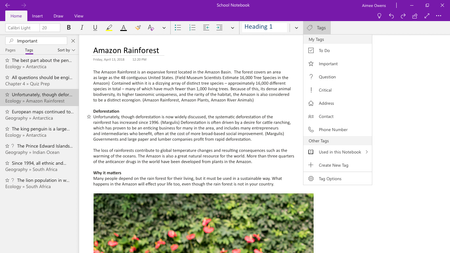
In the latest versions of OneNote — specifically, our apps on Windows 10, Mac, iOS, Android, and OneNote Online — your notebooks are stored in the cloud so you can access them from anywhere. Notebooks stored only on your hard drive or a file share (called local notebooks) are not supported.
If you have any local notebooks left over from OneNote 2016, you can easily move them to OneDrive or SharePoint so you can access your notes from anywhere. SharePoint On-Premises is also supported. To get started, simply open OneNote for Windows 10 and https://support.office.com/article/b43692ae-ce27-4ab9-a8ad-a2aed225e6a5 to move your notebooks to OneDrive. OneNote always keeps a copy of your notes cached on your device so you can access them even when you’re offline.
We understand and respect that some people might not want any data stored in the cloud. For the vast majority of OneNote customers, however, having access to their notes on all their devices is a core part of the value of OneNote. We know that this means some of you might look for other solutions, and we understand. We have an open file format that other note-taking apps and developers can use to export notes from OneNote.