Updated Dec 17, 2021
Version 7.0
Katie Sullivan Microsoft
MicrosoftMicrosoftMicrosoft
I can second (or third?) the concern about compatibility issues between versions of Word, and not only in terms of backwards compatibility. Having the exact same Word version 2103 (build 13901.20336 click-and-run) on two different Windows 10 systems (Pro 1803 and Home 20H2), both of which are logged into the same personal 365 account, the new comments format had suddenly been forced upon me without warning or at least any explanation whatsoever on Friday on my work machine, while my tablet thankfully has somehow been ignored so far.
I do not know about collaborative communication; I have a different work case – I use comments for my own mental notes. Still, in my own documents I now have issues between both PCs. Contrary to what the support page Nick Hunn referred to states, I did not encounter missing comments yet – the modern comments I created for testing all appeared as ‘traditional’ comments on the other PC. However, I now have a bunch of old comments, which I no longer can edit on my work machine – I get an error warning stating that this app has difficulties displaying the content of this comment, and by continuing I risk corruption or entire loss of data.
I can only assume this is about formatting – I regularly used comments to store additional citation information, expanded versions of quotes, etc., and the developers in their infinite wisdom have apparently decided that this is no longer what comments should be used for, but become a messenger tool. (How about a marginal notes tool, then? something that does not interfere with the text length or formatting like foot/endnotes do)
[Edit: I think I can confirm it must be formatting: created a traditional comment with a tab stop aand one character in superscript - both discarded after opening as modern comment and ignoring the warning]
Susan Coward is absolutely right in criticising this new lack of functionality inside the comments! While I did see some spellchecking (underlined typo), search seems wonky and you are severely limited in what you can do in comments now – formatting seems restricted to the bare minimum of bold/italics/highlight, and even in order to get there you need to jump through hoops because the right-click context menu is crippled.
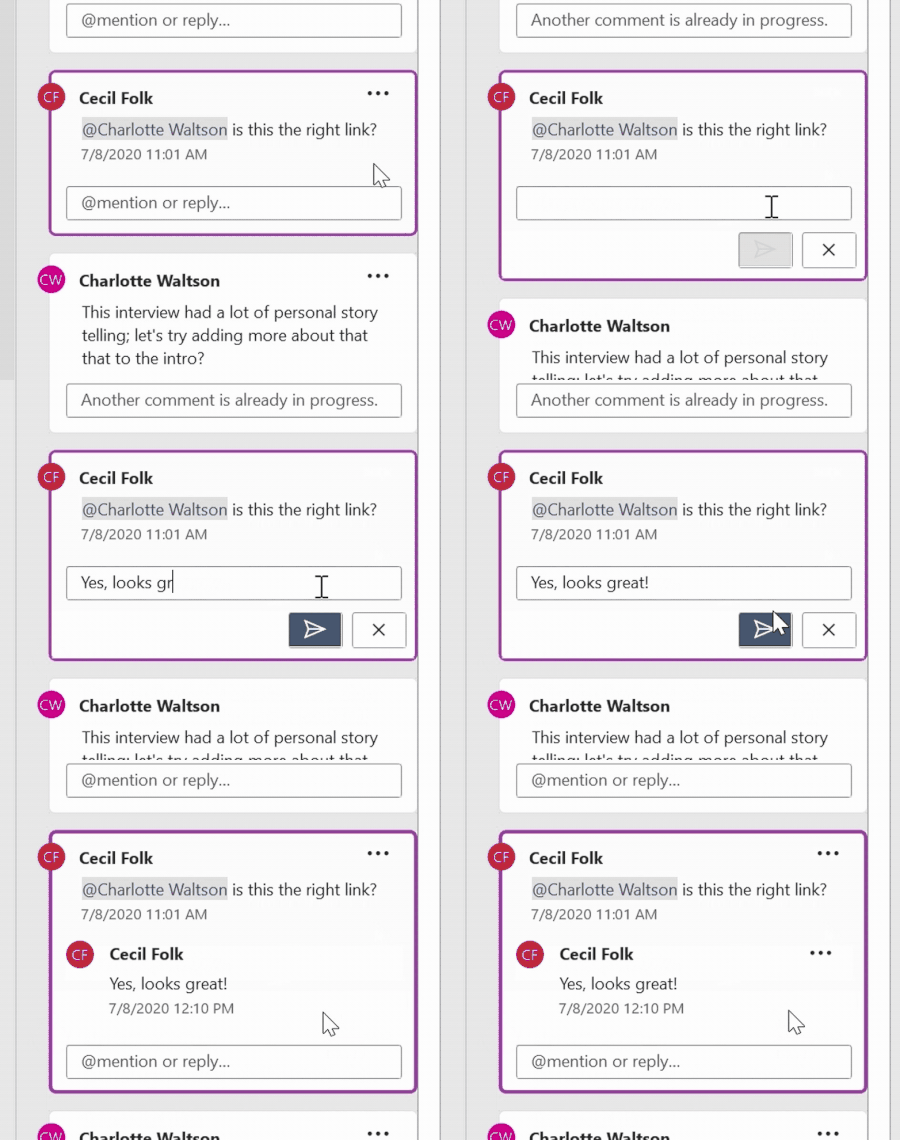
On that note, editing comments is an absolute hassle now. While I can relate to the move from real-time editing to send-off-comments or locking comments of others (in testing earlier, the document became barely usable while also open in the second PC), this is not just a wrench thrown into the workflow but an entire toolbox’s worth. If you want to do something simple like highlighting for color coding in an existing comment, you need to click the ...-menu, click edit, click the text, then move the cursor to the ribbon bar and scroll over to the start ribbon (because you probably are on the review ribbon) since you no longer can use your right-click context menu, apply highlight, scroll back to the review ribbon, click send – and hope that nowhere along the line the UI has failed to register what it should focus on and scroll or click.
Like Susan, I sometimes suspect that new features are simply crammed in because somebody thought they are great for whatever specific scenario they had in mind or in order to ‘fix’ some previous user requests or complaints without thinking about global ramifications or what other use cases get derailed in the process. And all of this would be half as infuriating if introduced as a new OPTION, but no, time and time again arrogance reigns supreme, it seems.
I'm pretty sure that the resolved/unresolved comments thing was not an isolated user request/complaint (because there were multiple forums ranting about it and I know at least one person who sent a suggestion through the feedback tool...), and while I greatly appreciate the current improvement, I'd rather have the choice or better a toggle/filter instead of sombebody simply deciding what gets displayed in which view... why not give the comments pane a filter?