Updated Dec 17, 2021
Version 7.0
Katie Sullivan Microsoft
MicrosoftMicrosoftMicrosoft
Thank you for the brief outline of the updated comments function; it is good to see that Microsoft is persistently striving to improve the workflow. However, while most of this sounds sensible (particularly in a collaborative context) and there are some details that are especially appreciated (the separation of comments from tracked changes means you no longer need to cycle through all your comments when looking for redactions with the ‘next change’-button without having to make comments invisible from markup altogether as a workaround; the choice between contextual view and comments list is fantastic, as is the ability to now skip resolved comments), there are now new headaches – too many to list here.
Just the most infuriating and incomprehensible change is this one (on the Windows desktop app at least):
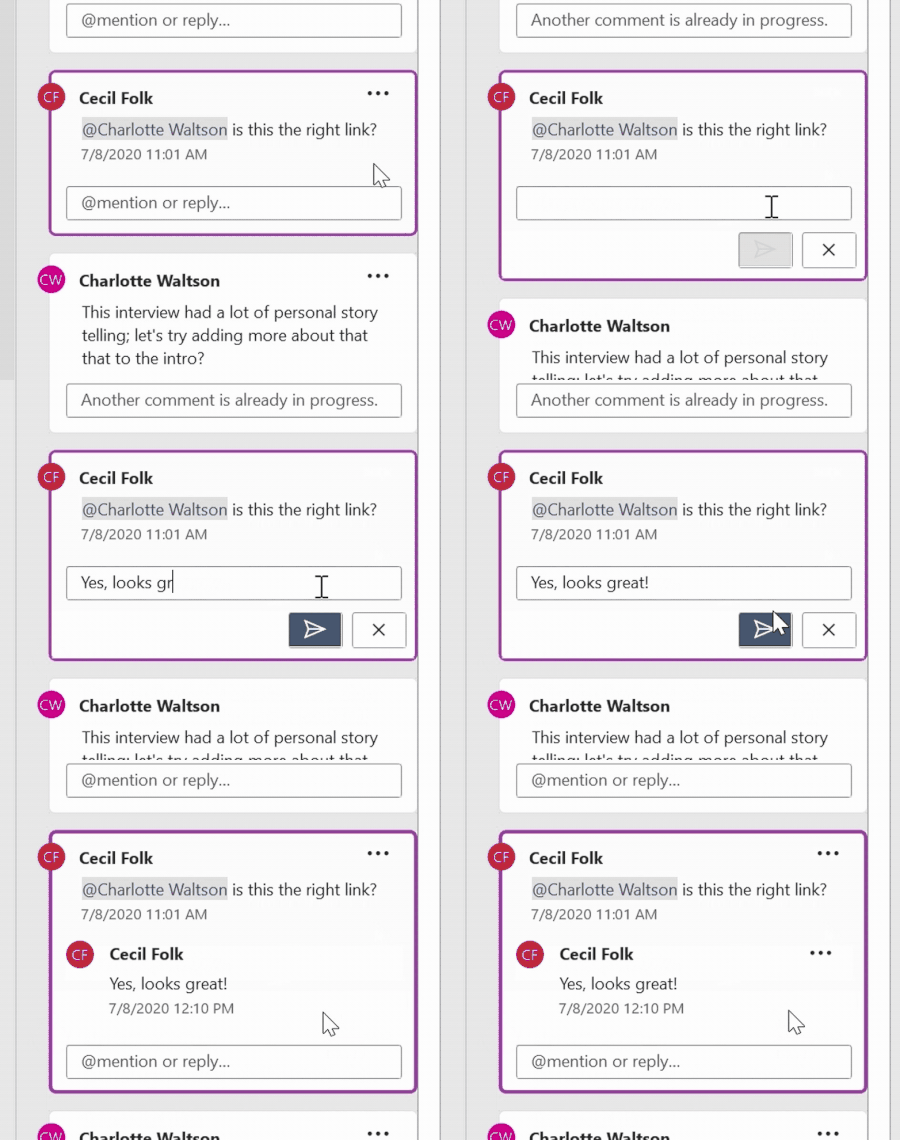
Why do comments in contextual view now float in a separate, additional lane? That the list view, i.e. a comments pane will take up dedicated space is only logical, but the principally preferred contextual view defies any rhyme or reason. That its comments freely float only masks the fact that they now effectively run in their own margin - next to and in addition of the regular markup margin (now nonsensically empty, vacated aside from the occasional tracked change of formatting, and yet you cannot disable it without going to simple markup view and also losing visibility of in-line additions/deletions). Basically, you no longer can work on a screen in vertical orientation, or use two windows of Word side by side (or zoom out to view two pages in a single window) without having to choose between comments OR all markup view...