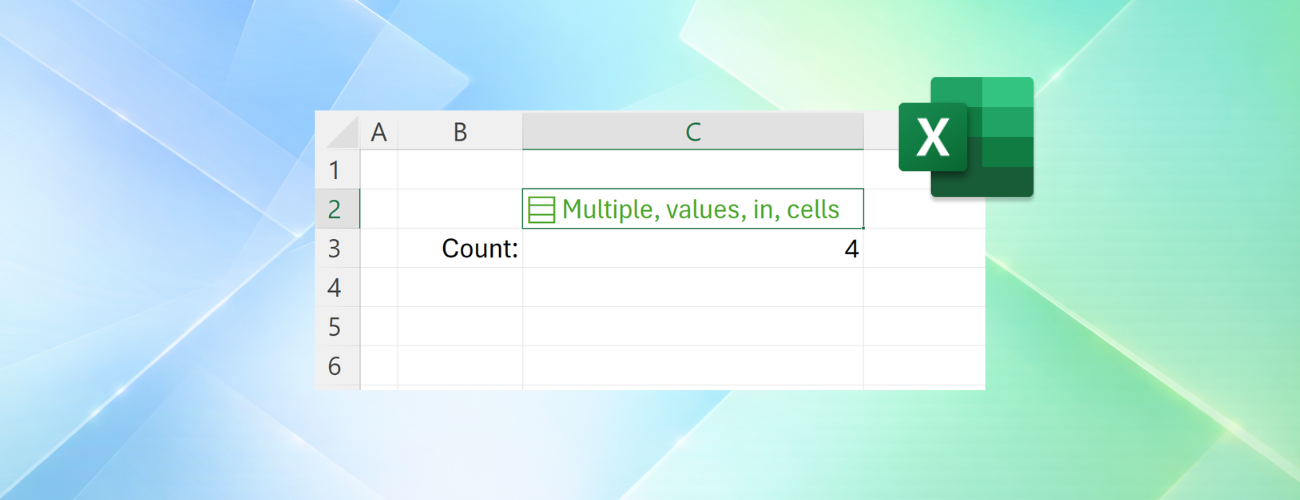
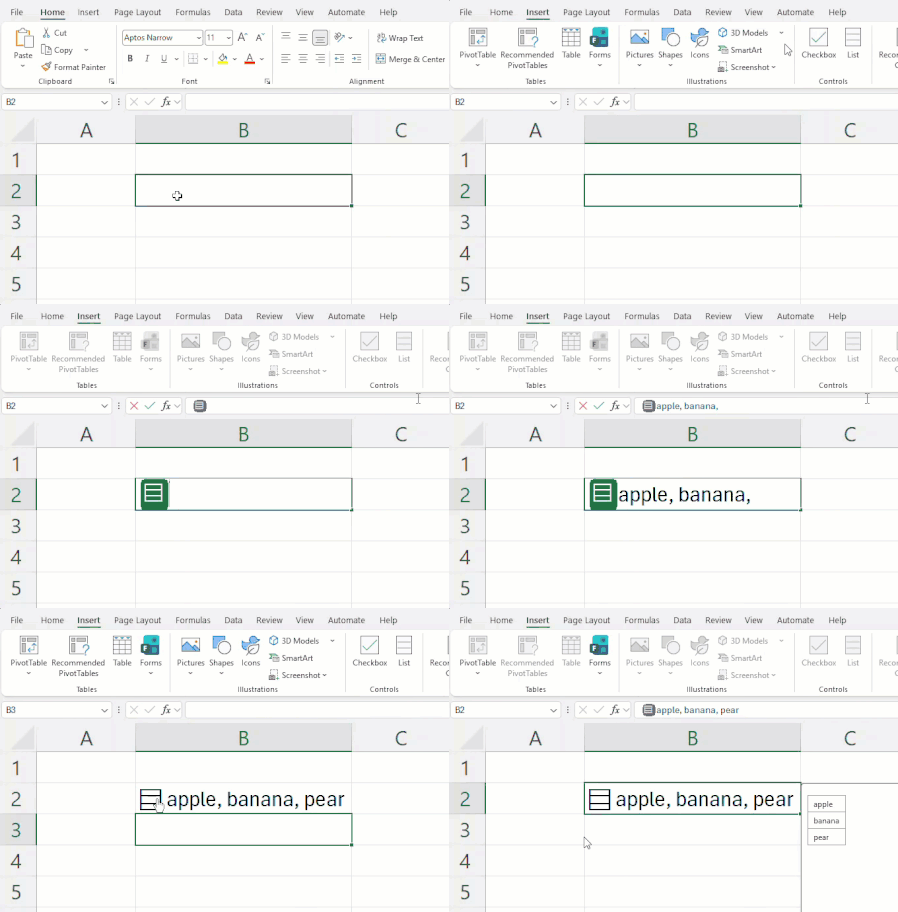
Throughout Excel's 40-year history, you've only been able to put one value per cell. In this announcement, we're excited to share how that's changing with the release of lists, arrays in cells, and n...
Updated Sep 24, 2026
Version 1.0
JakeArmstrong Microsoft
Joined February 18, 2022
Microsoft 365 Insider Blog
Welcome to the Microsoft 365 Insider blog! Get updates and insights about Microsoft 365 features as they release to preview channels on Windows, the web, Mac, iOS, and Android.
Learn about the Microsoft 365 Insider program at https://aka.ms/MSFT365InsiderProgram
For technical support and break/fix questions, please visit Microsoft Support Community.
Learn about the Microsoft 365 Insider program at https://aka.ms/MSFT365InsiderProgram
For technical support and break/fix questions, please visit Microsoft Support Community.


