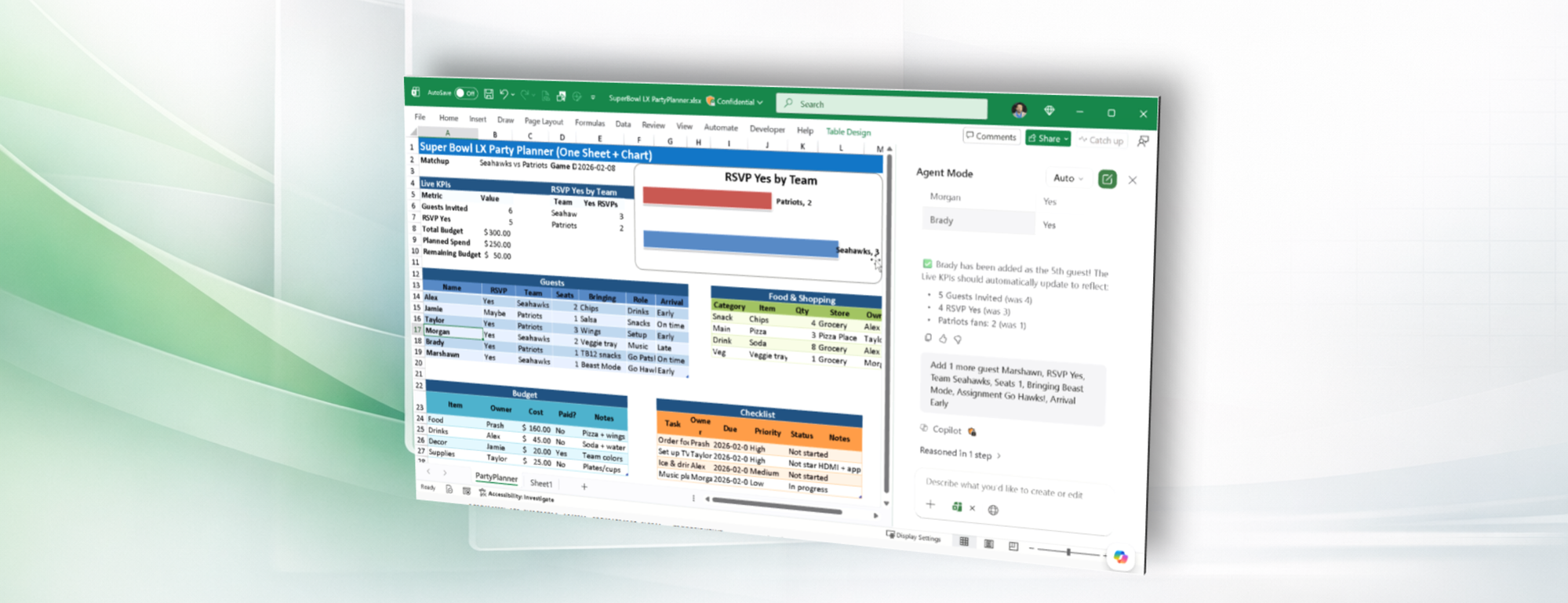
Hello Insiders! I am Prash Shirolkar, a Product Manager on the Excel team. I am thrilled to announce that Agent mode in Microsoft 365 Copilot Chat now enables you to query modern (.xlsx, .xlsb, .xlsm) locally stored Excel workbooks on Windows and Mac desktop.
Agent mode in Excel now works with your local files
Previously, insights and analysis from Excel Agent mode were limited to Excel workbooks stored in the cloud. With this new feature, analyzing your locally saved Excel workbooks with Excel Agent mode makes it possible to stay productive even when you’re offline.
How it works
- In Excel for Windows or Excel for Mac, open a local file saved on your computer or network share.
- In the ribbon, click the Copilot icon. In the Copilot pane, if you don’t see Agent mode in the input box, then select Tools. Choose Agent mode and then type your query or data modifications.
Availability
This feature is rolling out to Excel for Windows and Excel for Mac users with a Copilot Chat-eligible Microsoft 365 subscription running:
- Windows: Version 2601 (Build 19628.20204) or later
- Mac: Version 16.105 (Build 26011018) or later
What's next
In addition to addressing your feedback and making this capability available more broadly, we are working on adding foils to show changes made by Agent, restoring from a backup copy, enabling Agent for new or unsaved workbooks as well as non-Modern workbooks, like .csv, and .xls.
Feedback
We’d love to hear from you! Let us know what you think by selecting Help > Feedback and including #LocalFilesAgent in your comments so we can easily find them!
Learn about the Microsoft 365 Insider program and sign up for the Microsoft 365 Insider newsletter to get the latest information about Insider features in your inbox once a month!

 Microsoft
Learn about the Microsoft 365 Insider program at https://aka.ms/MSFT365InsiderProgram
For technical support and break/fix questions, please visit Microsoft Support Community.

