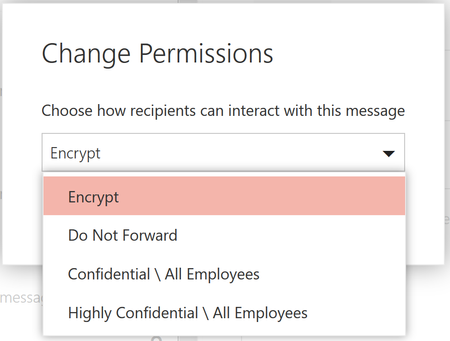
Gary said "
When a message is encrypted using the Encrypt Only option, the recipient cannot open an Excel attachment in the encrypted message and receives the following message:
You do not have credentials that allow you to open this workbook. You can request updated permission from...
Why might this be happening?"
Our recipients were getting this message also. I was able to fix part of the problem for non-O365 users by applying the new Admin control setting "Set-IRMConfiguration -DecryptAttachmentFromPortal <$true|$false>" found HERE. This setting removes encryption and rights management for an attachment only for non-O365 users. Microsoft specifically says "This setting does not apply to Office 365 users who use Outlook for Windows, or Outlook on the web to consume protected email. They will continue to receive encrypted content directly in these Outlook clients."
So the Encrypt option or rule not only encrypts the email it also applies rights management to any Office attachment. It assigns permissions to view that attachment to recipients that the email was sent to. However, I have found that it does not always work properly and still some O365 users cannot view the attachment because of the rights management thing.
This is very annoying. Encrypt only should mean encrypt only and not encrypt and add rights to attachments. I called Microsoft support and they did not even know about the new admin setting to remove encryption was the attachment was downloaded by the command ""Set-IRMConfiguration -DecryptAttachmentFromPortal <$true|$false>"
They told me to make sure our employees had Outlook updated and I said "so you want me to tell a 1000 of our partners to update their Outlook also.
I have no choice but to revert back to OMEv1 because O365 recipients cannot view attachments because of the incorrectly applied rights.