Jason Hartman - Yes, I am also facing the same issue after upgrading to the latest version of Office 2016 (1804)
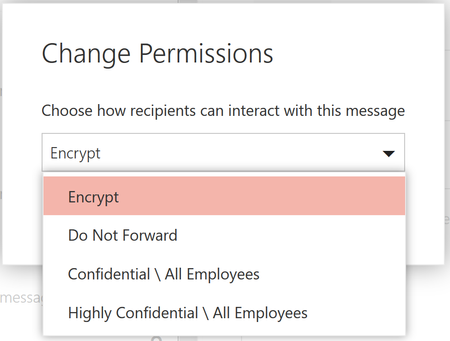
In my case, it will always throws a pop-up stating "Configuring your computer for Rights Management services" while sending or replying to an email which is sent using 'Encrypt' option. Also, whenever I try to access any Rights Protected email (including default DNF protection applied) or Encrypted email (which sent using Encrypt option) Outlook goes to 'Not Responding' state with blank screen and we cannot take any action. Outlook stays in this state for at-least 2-3 minutes and after that it displays the message (actual content of the email).
But all the scenarios will perfectly works in OWA, the problem comes only with Office 2016 (Outlook).
Salah Ahmed - Do you suggest us some best practices here for using new feature in native Outlook application? I knew that this with Outlook client but we encountered the issues after upgrading the Outlook version to 1804. Please fix these issues ASAP.