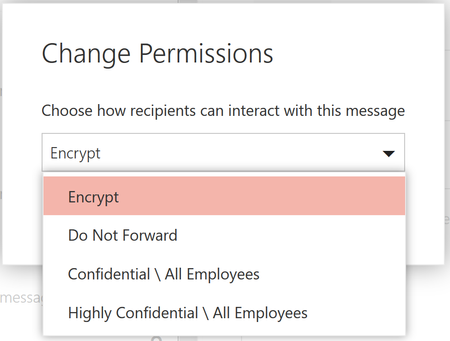
I'm using encrypt-only and sending email between two different Office 365 tenants. Both tenants are setup to use the new encryption methods including encrypt-only. I'm testing messages back and forth to see how the new auto-decrypt features for 365 recipients works.
When trying to read the encrypted message in the other tenant, there is a message at the top of the screen that says "This message with restricted permission cannot be viewed in the reading pane until you verify your credentials. Open the item to read its contents and verify your credentials."
So then I try to double-click and open the message but it does not open. Instead it shows a message that says "This logged in users could not be authenticated. Please check your credentials or try signing out and signing back in.". I have to click OK and the same message pops up a second time. Then a third message says "Sorry, we're having trouble opening this item. This could be temporary, but if you see it again you might want to restart Outlook. Cannot read the item." I did notice that a split second before that first error pops up, I see another window in the background that says something like that "Configuring rights management on your computer..."
That happens when I send a brand new encrypted message. However if I start the encrypted message from the other tenant and then reply to it, i can read the replies just fine.
It works fine in OWA. It's the local Outlook 2016 that is having the issue.
I'm not finding any results when searching for this message. "This logged in users could not be authenticated. Please check your credentials or try signing out and signing back in."
Let me know if anyone has any suggestions. Thanks!
Jason