Lotfi Belyamna
I hear what you're saying.
There are things you need to consider here:
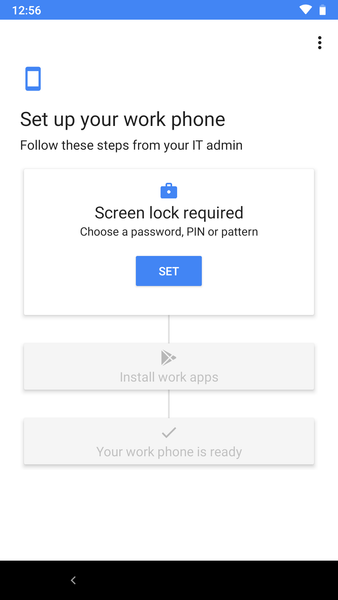
The first login to the device after NFC bump or scanning QR code. This is a standard login and is subject to MFA if you have it enabled for users. We're getting around this by using a specific internet connection with different public IP address for setting up Android devices and bypassing this location in conditional access policies.
The second point to consider is that when opening the company portal after enrollment the device registers with Azure AD - this can be configured (I think it's default) to require MFA to add devices. You can turn this off in Azure AD -> Devices -> Device Settings -> Require MFA to join devices. We have done this but it'd really like to enable this and again exclude the above location.
If anyone has any ideas how to do that it would be great.