robbamber - I was hoping the same thing, could they be throttling the connections using this type of enrolment; similar to what they did when organisations using their FastTrack; benefited from favourable speeds.
When you build a fully managed device, you are prompted to login twice and need to login once again thereafter.
NOTE*** I am using KME, and not scanning the QR code to enable being able to ship the devices directly to the user.
The first one is your Microsoft Online login screen. (Login with your test user account, or in my case this is where the users who will the devices shipped directly to them will enter their email address/UPN and password.
The second one which will have the email/UPN entered earlier already present in the UserName text box, enter password.
(logging into your organisation)
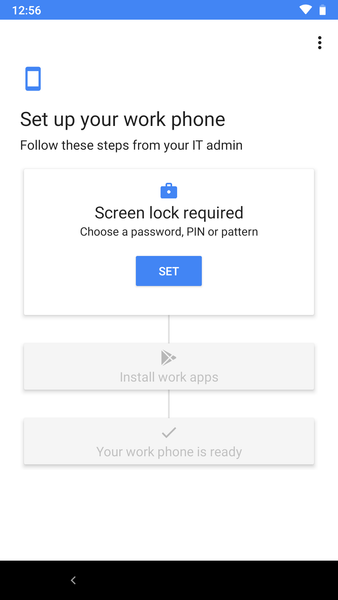
Then it should show the branding of the organisation and start to setup the device etc.
All the apps assigned to the user's group will be deployed.
Then login to the Intune App to fully register/enrol/owner the device, do the usual to continue.
When you check accounts, you will now see 2 accounts. The randomly generated managed account with a red briefcase and the device owner account blue photo icon.
My description is a bit scrappy but hopefully you'll get the flow.
I am also building Kiosk devices this way,