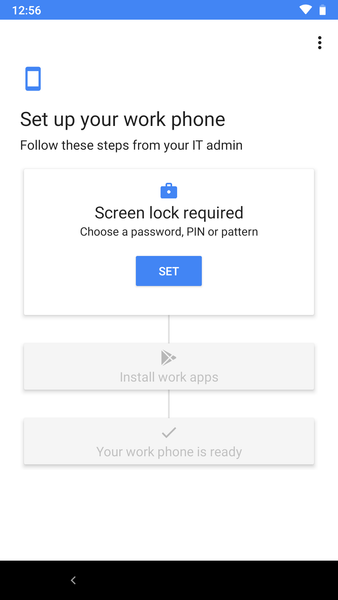
Device Configuration Profiles on Fully Managed Devices with Compliance Policies remain in a pending state: I am currently testing Fully Managed Android with Intune and noted some of this thread having some of the same challenges I have recently experienced. My setup includes Intune, Conditional Access and App protection policies (all of which will cause issues later on). Our test devices are: Pixel3a and an Honor A8, The Pixel is Enrolled using an NFC card and the Honor A8 using the QR Code. At the start of Preview 2 both of these devices enrolled successfully.
We have a compliance policy assigned to all Android devices (and this correctly configures the enrollment workflow for PIN requirements etc.) We also have two device policies assigned to a dynamic devices group (All devices categorised as AndroidEnterprise using device.deviceOSType -contains "AndroidEnterprise") and this also worked perfectly at the initial release of Preview 2, then we noticed that the device configuration policies had stopped updating on existing devices and refused to deploy to newly enrolled devices with them in the assignments plane stating "pending" forever more. After a support call with MS Support, it was noted in this thread by WietseD that removing the compliance policy then allowed the configuration policy to apply. I can confirm this is also the case in our environment, however this has some side effects. We have the setting enabled that "any device without a compliance policy is non-compliant", which means that our Conditional Access policies then kick in to prevent access to the applications (as non-compliant devices are blocked access).
More testing: If you make changes to the configuration policy and then remove the compliance policy, those config changes are not updated on the devices until you make a change to the configuration policy whilst the compliance profile removed, the devices never seem to update. Make a change to the config profile whilst the compliance policy is off and all the config changes then replicate down to the devices within seconds. If you remove the compliance policy, the device configuration profile will apply to the devices, if you then re-apply the compliance policy, the device configuration profile will persist but not update until the compliance policy is once again removed.
The Company Portal App: Another interesting side effect, we do not deploy the old company portal to the fully managed devices by default, and the new Intune app is pushed automatically, which we then use to register the device into Azure AD. However, because we have App protection policies and Conditional Access policies applied across the Organisation applications on Fully Managed devices cannot run. To fix this, deploy the old Company Portal App to the devices (do not need to sign in, just install it) and the applications protected by protection policies and CA can now sign in and run properly. If you then remove the Company Portal, the applications will promptly remove any corporate accounts.