WietseD
This config is not supported from what MS have said to me in the past.
If you create a Full Managed Corporate Owned build. You do not need to download any software.
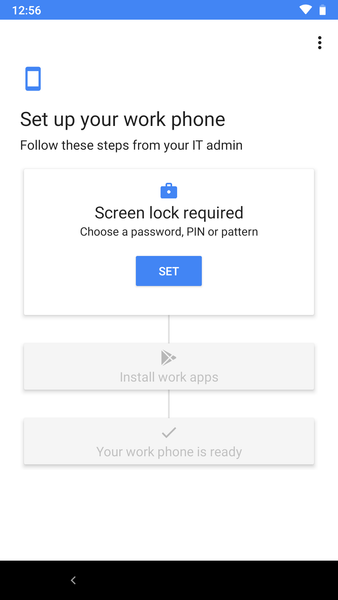
Tap the white space repeatedly on a new/factory reset device.
This will start the build process off.
When requested connect to Wi-Fi,.
The QR Code you created contains the URL to download the QR Code Reader (8.0 or earlier. 9.0 devices QR Code built-in). It also contains the URL to download the Android Device Policy app.
Then whatever settings you configured in your device config; will be deployed.
If you use Knox Enrolment, You add the QR Code token string (amongst other strings) to the profile.
This means when you connect it to Wi-Fi, accept the usual T's&C's and it will build the device, no need to even scan QR Code!
This method works for Kiosk and Fully Managed setups.
I did a similar setup to what you mentioned, but MS said it was not supported (I was only messing around to fair).
At the time they only supported BYOD and COSU setups
Oh, I forgot to say that in the end I "skirted" around the support side of things by using Knox Configure to deploy the Company Portal App' so that Intune could manage the "Work Profile". Knox Configure then managed the local device, putting in restrictions where necessary.
This meant it was really a Work Profile / BYOD setup but with native apps etc. managed by knox.