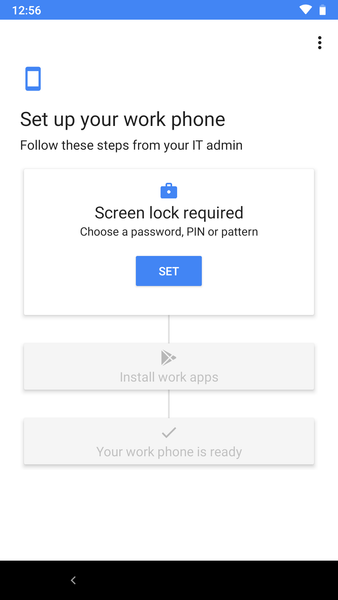
I did a new enrollment today and like in the weekend the enrollment was without issues; encryption works fine, I`m asked to set a passcode and the apps are installed.
The Microsoft Intune app is installed by default, without assigning the app from Intune, so that now works as described in this article. And I`m in now able to sign in to the Intune app and register my device in the app.
I must say I`m using a lab environment just for testing and writing articles for my blog, so no production environment.
My policy and apps are still assigned to a user group, as I started testing during preview 1 and during that preview device group targeting was unsupported.
But because I was now able to sign in to the Intune app, I wanted to see if my device was compliant and created a new security group (to assign the compliance policy to) and manually added the test device to it. After a sync from the Device Policy app, all required apps are removed in a split second! I waited a few minutes, did a restart nothing was re-installed. After removing the device from the security group and a new sync and restart, all apps are installed. Device group targeting seems to cause issues, but need to test this some more.