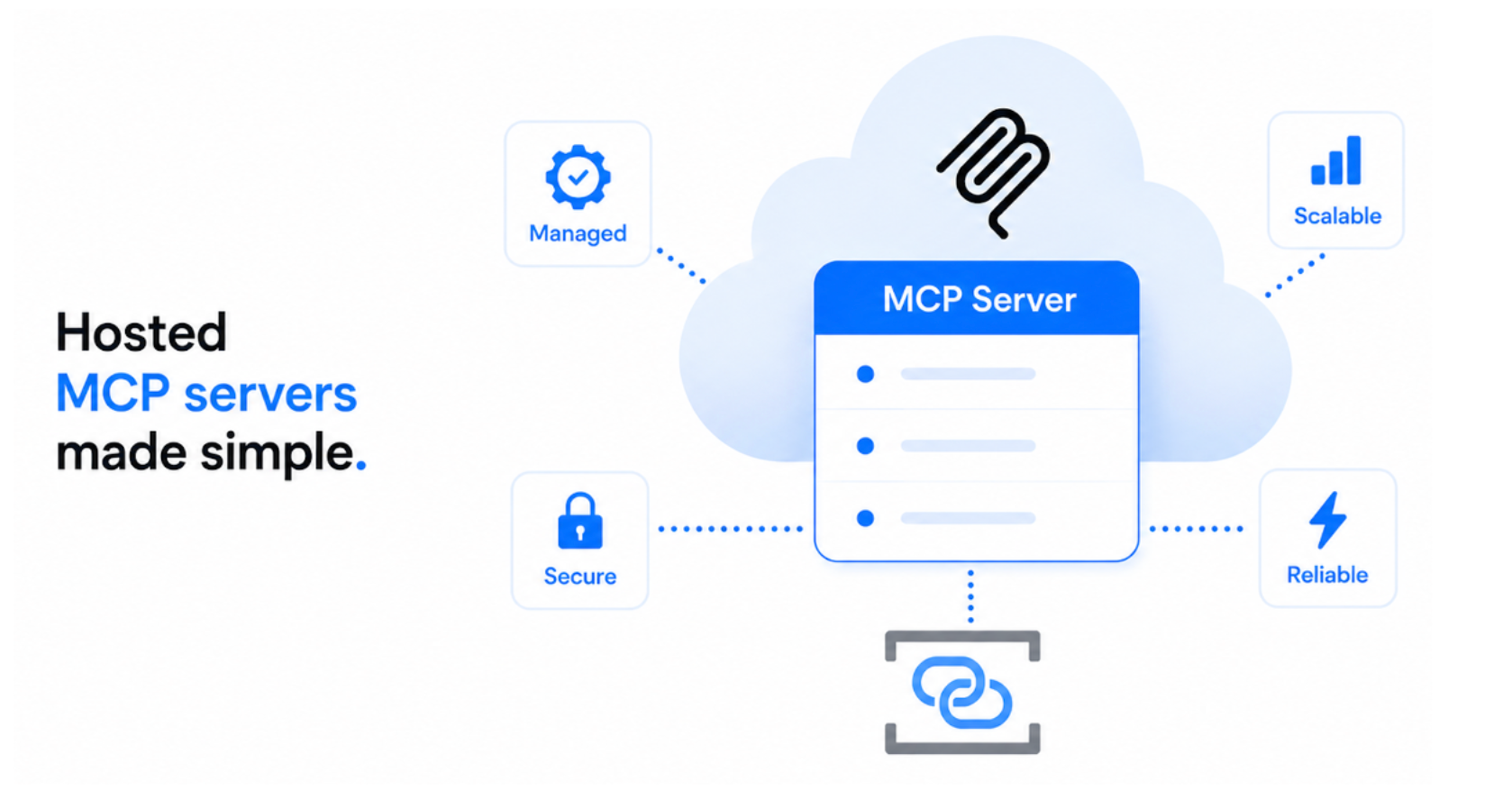
We're excited to announce two new capabilities for hosted MCP servers in Azure Connector Namespace, now available in public preview:
- Bring-your-own container image (BYO image): Deploy your custom MCP servers without managing the underlying hosting infrastructure.
- Azure Cosmos DB MCP server: Deploy a prebuilt MCP server from the catalog to give AI agents access to your Azure Cosmos DB for NoSQL data.
These additions give developers more flexibility to bring MCP servers to Azure, whether you're building custom tools for your agents or connecting them to existing services. Both capabilities are available in public preview in select Azure regions.
Hosted MCP servers
As AI agents become more capable, they increasingly need access to external tools and data through MCP servers. However, hosting MCP servers remotely introduces operational complexity. Beyond deploying the server, developers need to provision compute, configure authentication, manage scaling, and monitor the server.
The hosted MCP servers capability in Connector Namespace simplify this experience by providing a managed hosting experience. The namespace handles:
- Infrastructure and scaling: Provision and manage the compute required to run your MCP server.
- Authentication and access control: Secure MCP endpoints with Microsoft Entra ID authentication and access policies.
- Monitoring: Integrate with Application Insights to monitor server activity and troubleshoot issues.
- Server lifecycle: Manage deployed MCP servers as resources within your connector namespace.
This lets developers focus on making tools available to their agents rather than operating the infrastructure behind them.
With the latest preview updates, you can now bring your own MCP server implementation or choose the prebuilt Azure Cosmos DB server from the catalog.
Bring-your-own container image to host custom MCP servers
Previously, hosted MCP servers were limited to prebuilt servers available in the Azure Connector Namespace catalog.
With the BYO image support, you can now deploy your own MCP server implementation using the same managed hosting experience.
This is particularly useful when you want to:
- Reuse existing MCP servers: Bring an MCP server you've already built or packaged as a container image to Azure.
- Expose custom tools: Make proprietary APIs, internal systems, or business-specific capabilities accessible to AI agents.
- Avoid managing hosting infrastructure: Focus on developing and maintaining your server implementation while Azure Connector Namespace manages the underlying runtime.
How it works
The experience follows the same approach as deploying a prebuilt hosted MCP server. In Azure Connector Namespace portal, select Bring your own MCP server in the MCP catalog, then provide a few configuration details. Click Create, and Connector Namespace takes care of deploying and hosting your server:
Once deployed, your custom MCP server benefits from the same hosting capabilities as catalog servers, including authentication, access control, scaling, and monitoring.
You retain control over your MCP server's code, tools, and dependencies, while the platform manages the hosting infrastructure.
Ready-to-deploy Azure Cosmos DB MCP server
We're also expanding the hosted MCP server catalog with a new Azure Cosmos DB MCP server for NoSQL.
The prebuilt server enables AI agents to interact with data stored in Azure Cosmos DB through MCP tools. Agents can:
- Discover databases and containers: Explore available databases and containers in Azure Cosmos DB.
- Understand data structures: Discover the structure of documents to understand the available data.
- Retrieve and query data: Access documents and query data stored in Azure Cosmos DB for NoSQL.
In Azure Connector Namespace portal, open the MCP server catalog and find the Cosmos DB MCP Server under the Hosted catagory. Provide your database's endpoint and create the server.
References
Summary
Whether you want to host your own MCP server or quickly connect AI agents to MCP servers, Azure Connector Namespace provides a managed way to bring MCP tools to your applications.
Try out the new capabilities and share your feedback! We'd love to hear about the MCP servers you're building and what you'd like to see next.

 Microsoft