Updated Oct 05, 2020
Version 11.0
JoeMcDaid Microsoft
MicrosoftMicrosoft
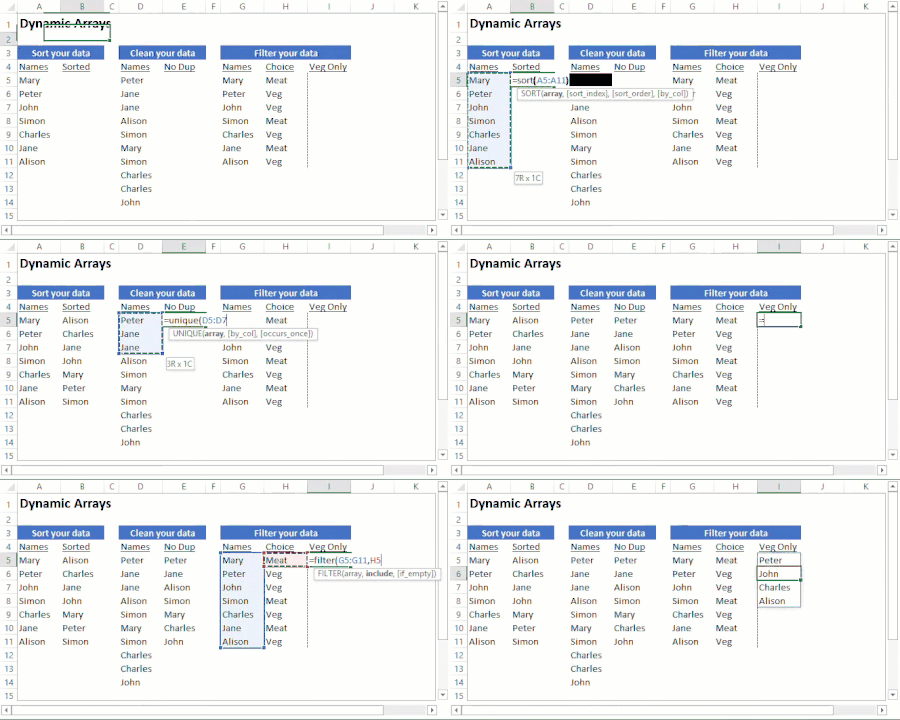
Does anyone know of a way to reliably trap the use of these new functions in an older version of Excel? What is happening is the function becomes essentially static. This is what happens:
=UNIQUE(ObsoleteTable[item_no])
works in insider build. In older builds, this is what comes up:
{=_xlfn.UNIQUE(ObsoleteTable[item_no])}which returns a #NAME error or the static value of the array from the last calculation in the version of Excel that supports it.
So I tried to trap #NAME with this:
=IF(ISERROR(UNIQUE(ObsoleteTable[item_no])),"test",UNIQUE(ObsoleteTable[item_no]))
In old versions, "Test" is properly returned. But in Insider Builds, "Test" is also returned if the last version to open the file is an old version, unless you press F2 on the formula to edit, then enter. Opening the file doesn't recalculate it, pressing F9 doesn't, and neither does CTRL-ALT-F9.
What I want to start doing is where I am using these in some files is displaying a message that "This version of Excel doesn't support all data in this workbook" in old versions, and works in new versions.
But given that the ISERROR() won't recalc in the Insider builds, this plan won't work.
Any ideas? This will be an issue for years to come if the behavior is the same. Internally we'll ultimately be fine as dynamic arrays roll out to Monthly builds, but as we share files with outsiders, they may get the wrong results if looking at a static array if they are on an older version of Excel.