Ed - yes, Large() will work, but it's a huge amount of work to wrap Large around every function where it might be required.
Regarding the Single() function, I just checked today (25th Oct), and it doesn't seem to work as you said:
I have a spreadsheet using the same UDF to return a series of columns. As currently working the function is copied down each column and is not entered as an array function. Each instance of the function returns a 1D array, but only the first value is displayed.
- On opening in Excel with dynamic arrays everything displays correctly, and the Single() function has not been applied. I don't know if this is a change in functionality, or if the Single() function is only applied under different conditions.
- If I change any input values all the functions recalculate correctly.
- If I press F2 then Enter with any function, it returns SPILL. Undo will return the original display, but obviously removes any edits.
- If I press F2 then Ctrl-Shift-Enter the function displays correctly (with {} in the Edit box).
- If I wrap the function in Single() it displays the first result when entered with Enter.
- If I save and open in Excel without array functions the Single() functions display as #NAME, with the function preceded by _xlfunc.
In summary:
- The Single() function seems redundant, since you can get the same effect with Ctrl-Shift-Enter, which will also work in previous versions.
- Using Ctrl-Shift-Enter also allows a function to be edited, and/or a partial array to be returned.
- Rather than deprecating Ctrl-Shift-Enter, it would greatly enhance the use of dynamic arrays if it was retained as an active feature, and was also enhanced to allow the size of the array output range to be reduced, as well as increased.
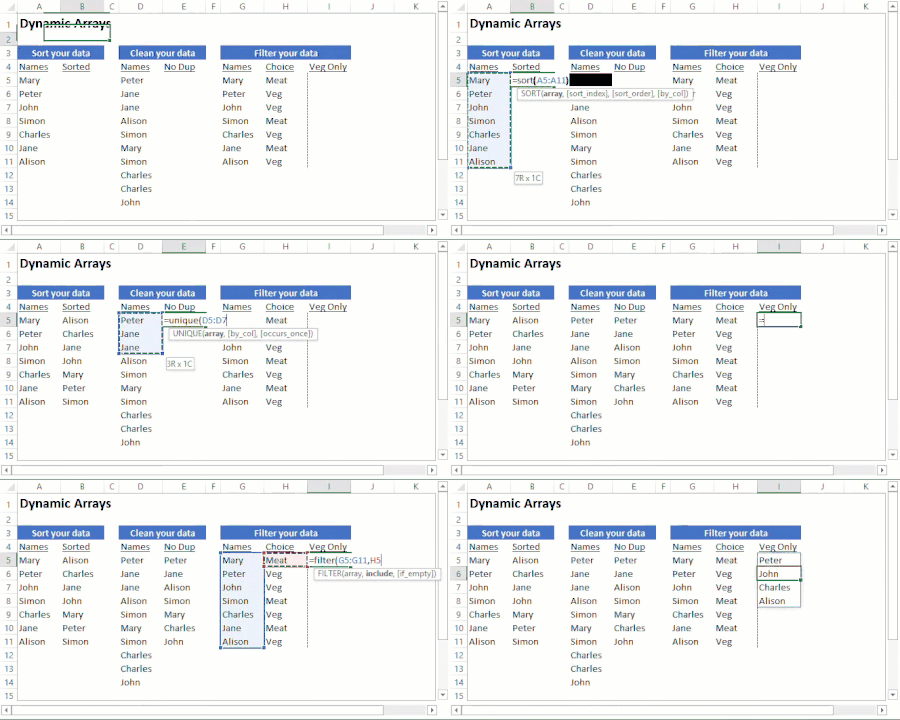

 Microsoft