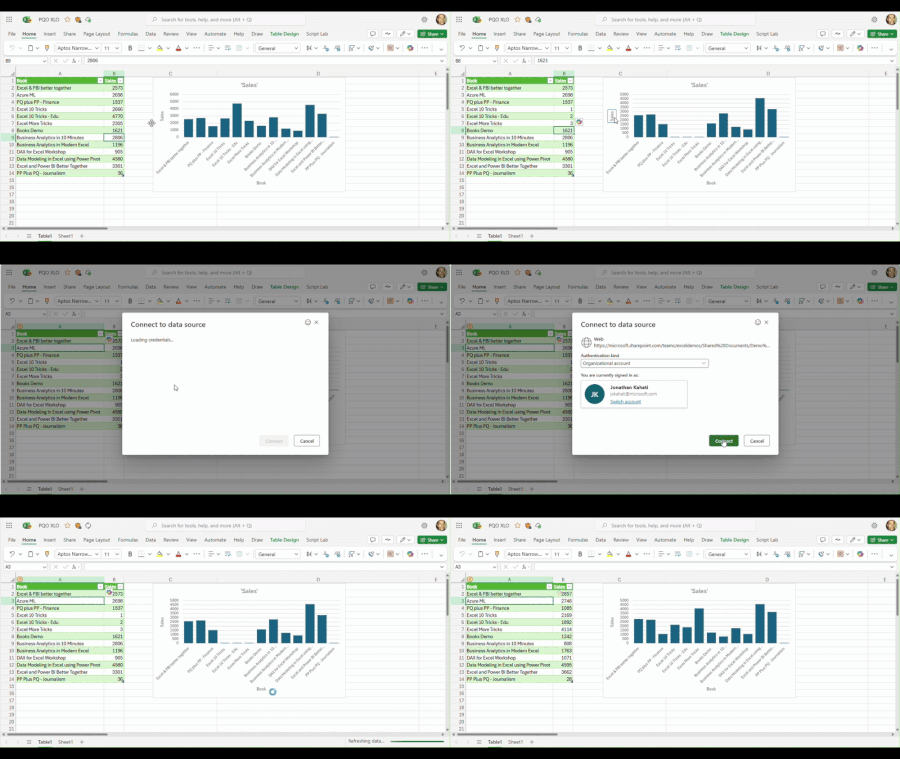
We’re excited to share the latest addition to Excel for the web: Power Query Authenticated Refresh and Data Source Settings for selected data sources!
Updated Sep 02, 2025
Version 4.0
jokahati Microsoft
Microsoft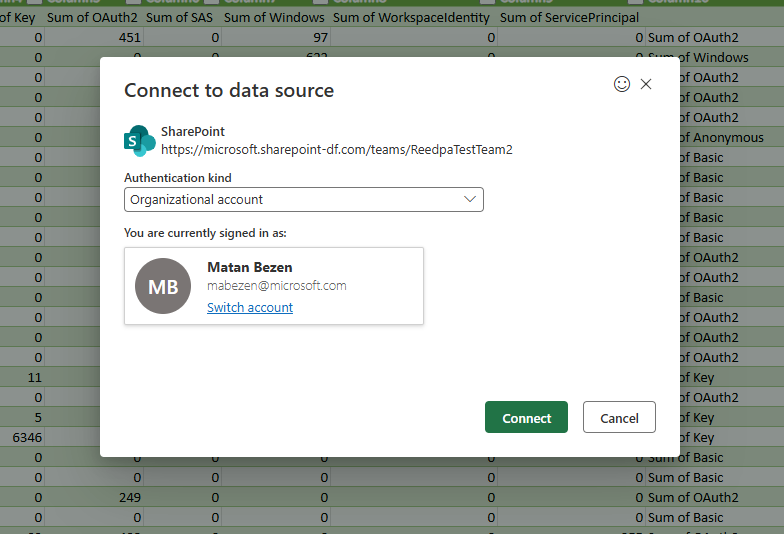 MicrosoftMicrosoft
Power Query editor like in online version appeared. Great, thanks!
Data Source Settings disappeared and no ability to work with GW. Bad.
Is it possible to update us from time to time which functionality is supported?
 Microsoft
Hi SergeiBaklan ,
We are gradually releasing features and will share a formal update once we are ready.
Regarding Data Source Settings, please drop me an email/message with details.
Thanks!

Hello jokahati . It would be more usefull if MS would consider providing a way for (indirectly) refreshing powerqueries in Online-Excel with cloud-power-automate or at least office scripts (not everyone has Power Automate Desktop...). While this feature that was shown above is nice, it's more of a nice-to-have instead of beeing actually usefull stuff that users have been actually demanding on numerous occasions. Same strategy is applied to almost all Power-Platform tools (except maybe BI which - besides the not-so-unecessary CoPilot push from MS side - has been favored due to MSs investments in the Fabric solution). Instead of focusing on core-features that still don't work properly (eg. modern table control in Powerapps or lack of connectors and new-designer display issues in Power Automate) even if they were offcialy released a long time ago, efforts are being directed on this sort of stuff.
Quite a weird managment/marketing choice to be honest... .
Best Regards!
jokahati , I'm sorry, found Data Source Settings in drop down menu. However, didn't find an option here to select GW. Is it still in development?
MicrosoftHey SergeiBaklan ,
PQ in Excel for the web doesn't support gateways yet. We are looking into it for the future.