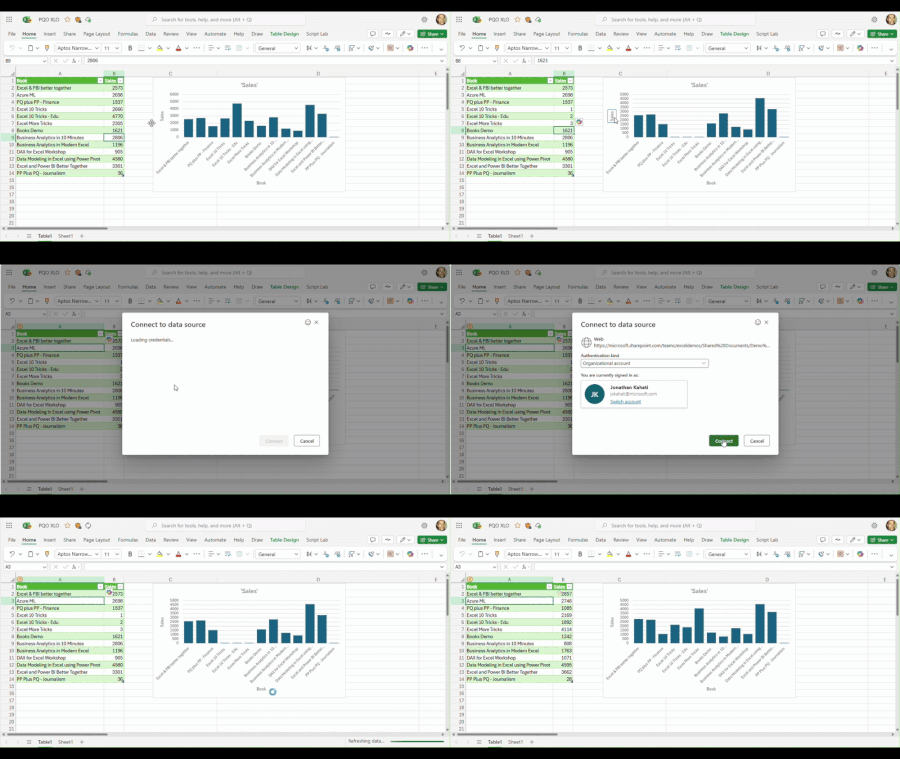
We’re excited to share the latest addition to Excel for the web: Power Query Authenticated Refresh and Data Source Settings for selected data sources!
Updated Sep 02, 2025
Version 4.0
jokahati Microsoft
Microsoft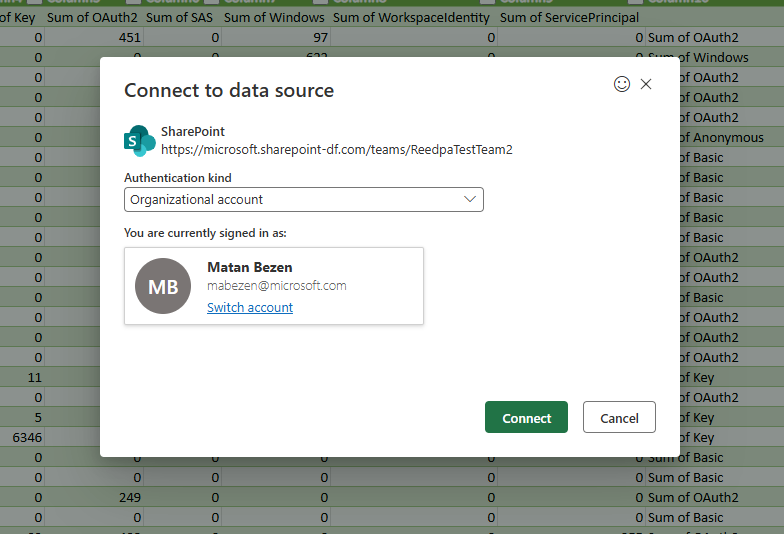 MicrosoftMicrosoft
Hello! Those are wonderful news and I'm happy that the feature finally arrived 😊
What I'm currently still failing with, is to trigger an excel workbook refresh with keeping such a connecting using Office Scripts (finally from Power Automate end). So if I click the button (e.g. "Refresh All") in the excel workbook opened in Office Online - refresh works perfectly fine (= your new feature), but if I try to run a very simply office script (which should do the same) it fails (so no error, but de facto nothing updates). Here the script I used:
function main(workbook: ExcelScript.Workbook) {
// Refresh all data connections
workbook.refreshAllDataConnections();
}
Was there something "forgotten" or when will that work as well? 😬
Scenario is to update excels pivots in sharepoint via office functions (shared with certain communities; connected to an Azure SQL DB), event driven after the SQL data update took place (with using PowerAutomate in that case).
 Microsoft
Hey schuffa321 ,
Thanks for the feedback!
Not forgotten, as mentioned - we are looking into this work.

schuffa321 , that's not forgotten, functionality is on radar. But not implemented in this wave and nobody knows when it could be in production.
Hi SergeiBaklan ! Are there any christmas presents for me - at least on an estimated timeline? As described this is the only remaining puzzle piece to fully automatize a lot of semi-automated processes in the enterprise I'm working for :-) Merry Christmas & a Happy New Year!
Hi schuffa321 ,
Sorry, I'm not working on Microsoft and have no idea about their plans. That's more question to jokahati . But usually Microsoft doesn't share any plans.
Happy New Year holidays!