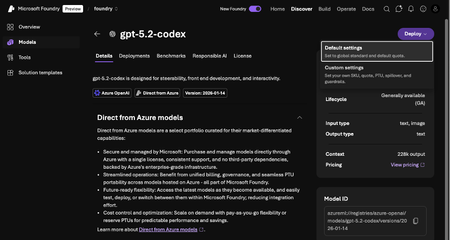
Welcome back to the blog! If you have been keeping up with the AI agent space, you already know how fast things are moving. Honestly, who doesn't know about OpenClaw these days, evolved from ClawdBot to Moltbot to now, OpenClaw! It has quickly become the ultimate open-source framework for developers who want a personal AI assistant that can actually execute tasks, run shell commands, and control browsers locally. However, OpenClaw is only as smart as the underlying models powering it. This is exactly where Microsoft Foundry comes into play. Having spent so much time exploring these tools within the Foundry MVP community, I can confidently say that it provides the perfect backend architecture. With a massive catalog of over 11,000 models, from Anthropic's Claude Opus 4.6 to the brand-new GPT-5.2 series and DeepSeek V3.1, Azure AI Foundry delivers the enterprise-grade reliability and reasoning power required for complex autonomous workflows. In this post, I am going to show you how to bridge the gap. We will walk through the technical steps of configuring your preferred models in Microsoft Foundry and setting them up to run flawlessly on your local OpenClaw instance. Grab your favorite coffee, fire up your terminal, and let us start building!
Updated Feb 18, 2026
Version 1.0
